

Search, then inspect the source
Web search uses SearXNG and returns results to examine. The agent can then read a resource or open its page. Search language and timeout are configurable.
The browser can open public pages or reachable internal addresses, read accessible content and identify interactive elements.
Use an interactive page
Within a session, the agent can navigate, click, fill fields, press keys, scroll, go back and capture the page. Element references come from observed content.
Sessions are isolated and can be closed explicitly. A session retains state during the work; it does not automatically inherit a user’s personal accounts. Both browser infrastructure and target addresses must be reachable from the configured environment.
Provide a Linux environment
The console connects an SSH/SFTP environment to an agent: the included executor or a configured compatible server. Its home is available through console://. Status checks cover connectivity, files and durable command support.
Administrators configure access and can inspect the terminal and environment state. An agent without an active console does not automatically have usable local storage.
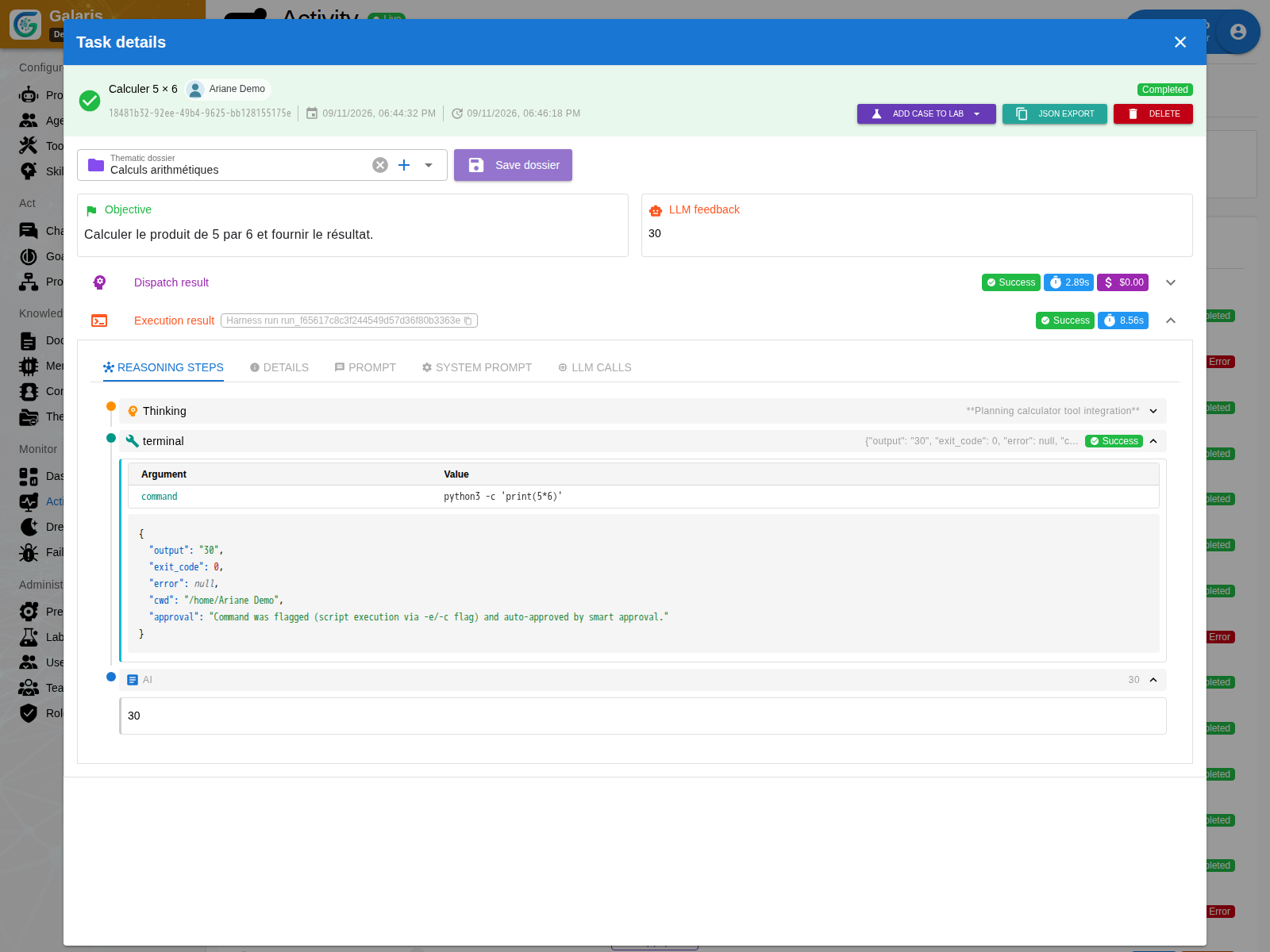
Let a command run
| Work | Behaviour |
|---|---|
| Short command | Execute and wait for its result |
| Long command with advanced mode | Start it and retrieve output from a cursor |
| Supported interactive program | Write to its standard input |
| Requested stop | Stop the relevant process group |
Durable commands separate program waiting from a long model call. Keep useful files in the Working Set so they can be found with the task.
A technical production workflow
In a working copy, an agent can modify files, run the intended checks and inspect a browser preview. An authorised colleague can receive a bounded contribution. A useful result includes the files, verification evidence and unresolved issues.
Remote machine permissions and connected services determine possible effects. Configure the environment for the requested work.
See the technical scenario · Understand resources
Provision and recover with evidence
Creating an agent with the internal harness attempts to provision its embedded Console and verify SSH/SFTP. If the executor is unavailable, the agent still exists with an inactive connection to recover. Existing connections are preserved.
A compatible helper retains command receipts: after a lost response, Galaris can check the same operation on the same target. Use console_start followed by console_poll for long work. Without a usable receipt, blindly rerunning a command is not verified recovery.
Browser preferences set viewport, timeouts, sessions and capture limits. An expired session returns an error; it does not automatically repeat the last action.