

Configure the environment
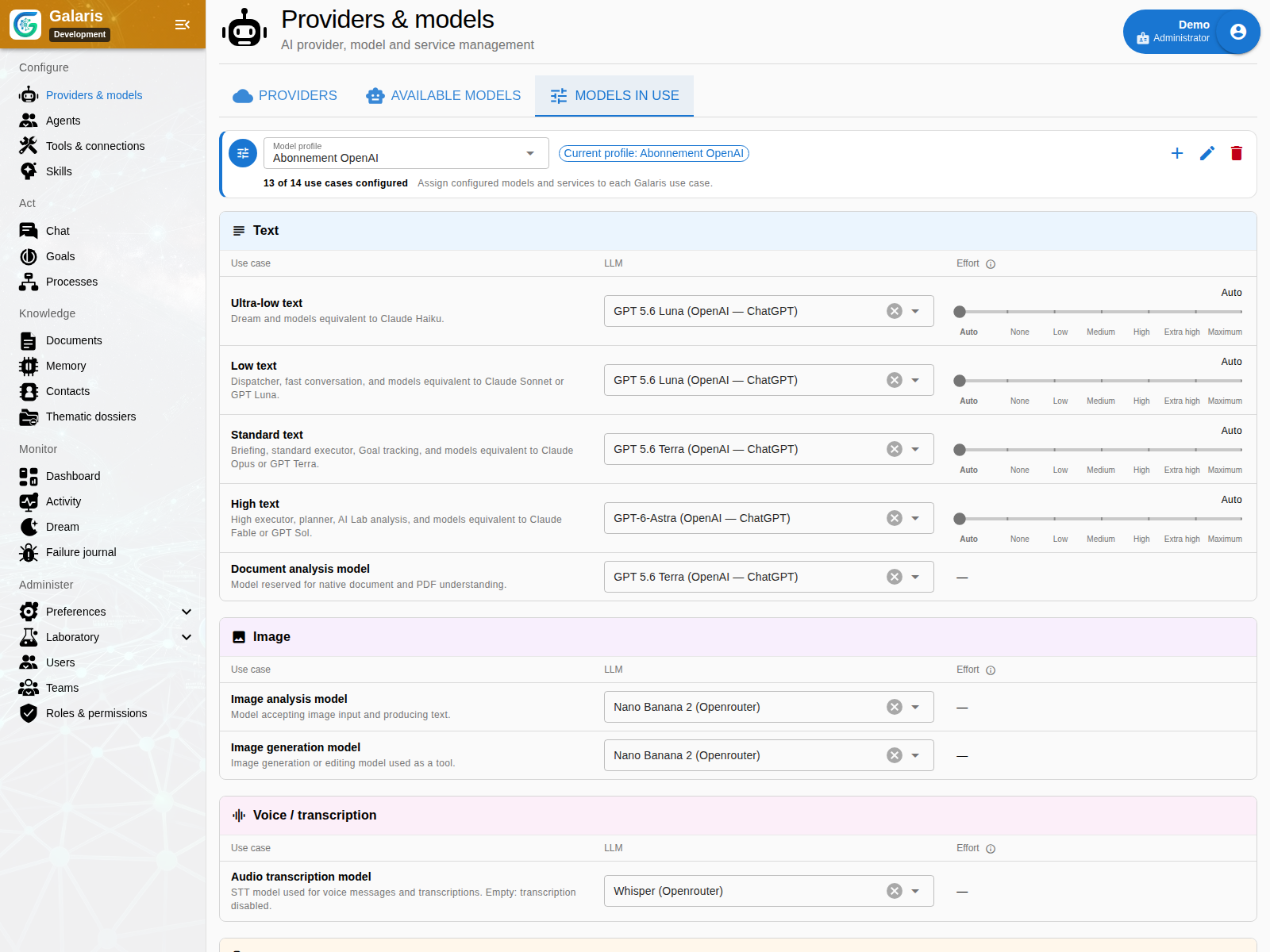
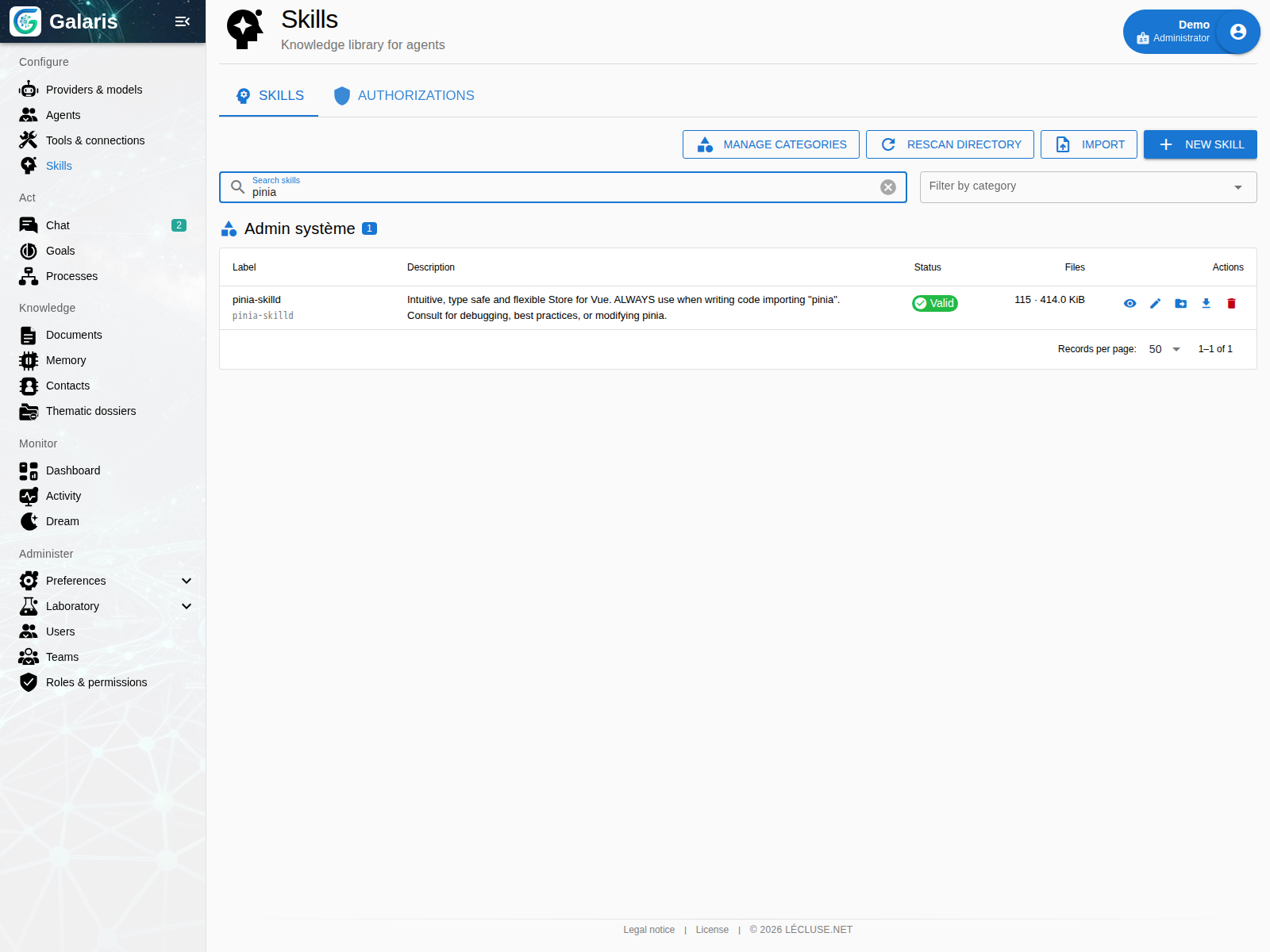
Providers & models assigns inference resources. Agents defines working roles. Tools & connections grants usable capabilities. Skills stores reusable procedures that can be attached to an agent or explicitly invoked.
Start and follow work
Discussion supports text, voice and attachments. Goals manages an objective across cycles. Processes starts and tracks persistent workflows, including configured n8n integrations. These are distinct ways to act, connected to the same agents and resources.
Organise knowledge
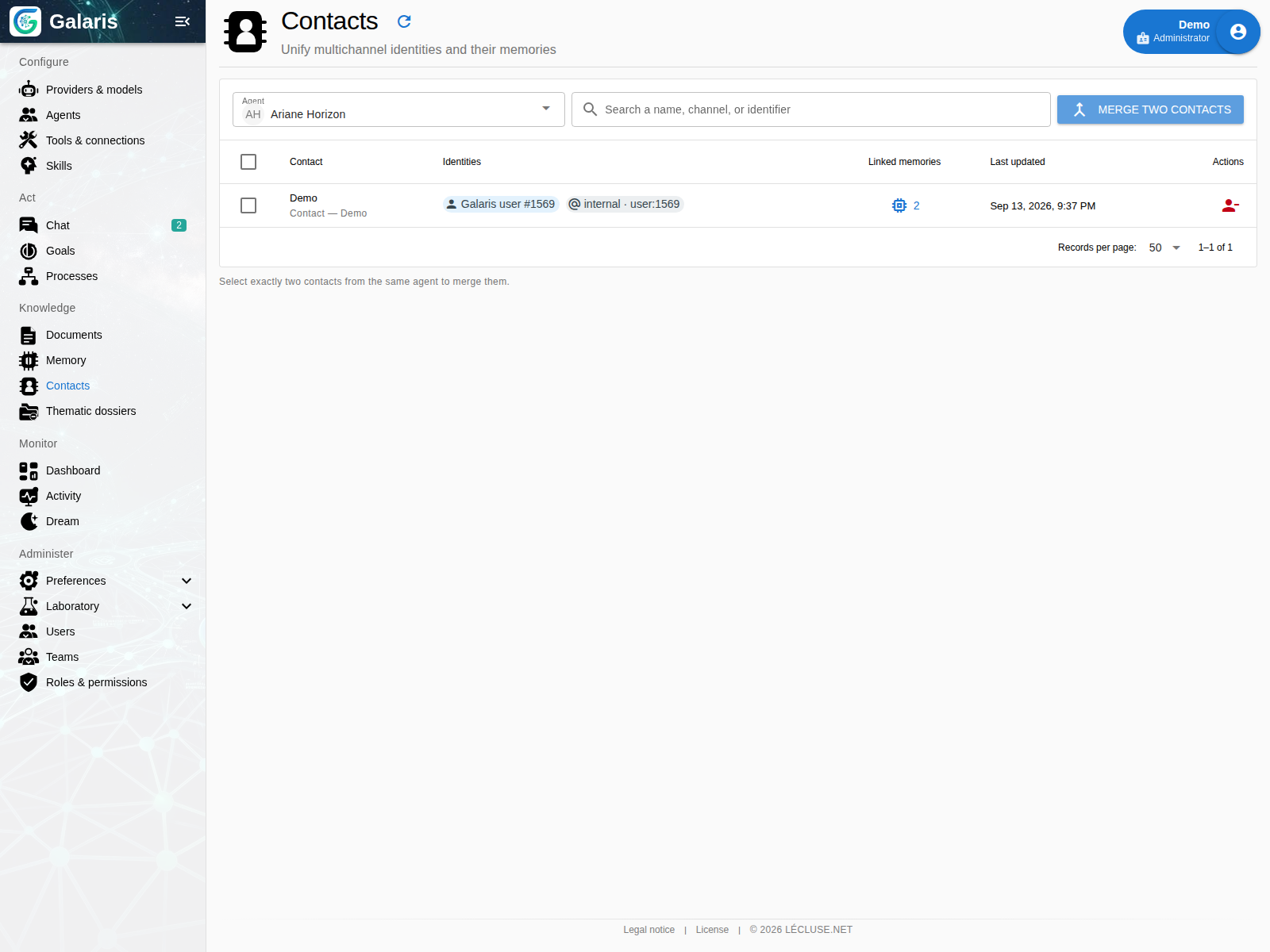
Documents stores rich HTML content and revisions. Memory retrieves durable information and explores its graph. Contacts links observed identities. Topics gathers related conversations and missions around a dossier. File resources keep their own identities and destinations.
Inspect operations
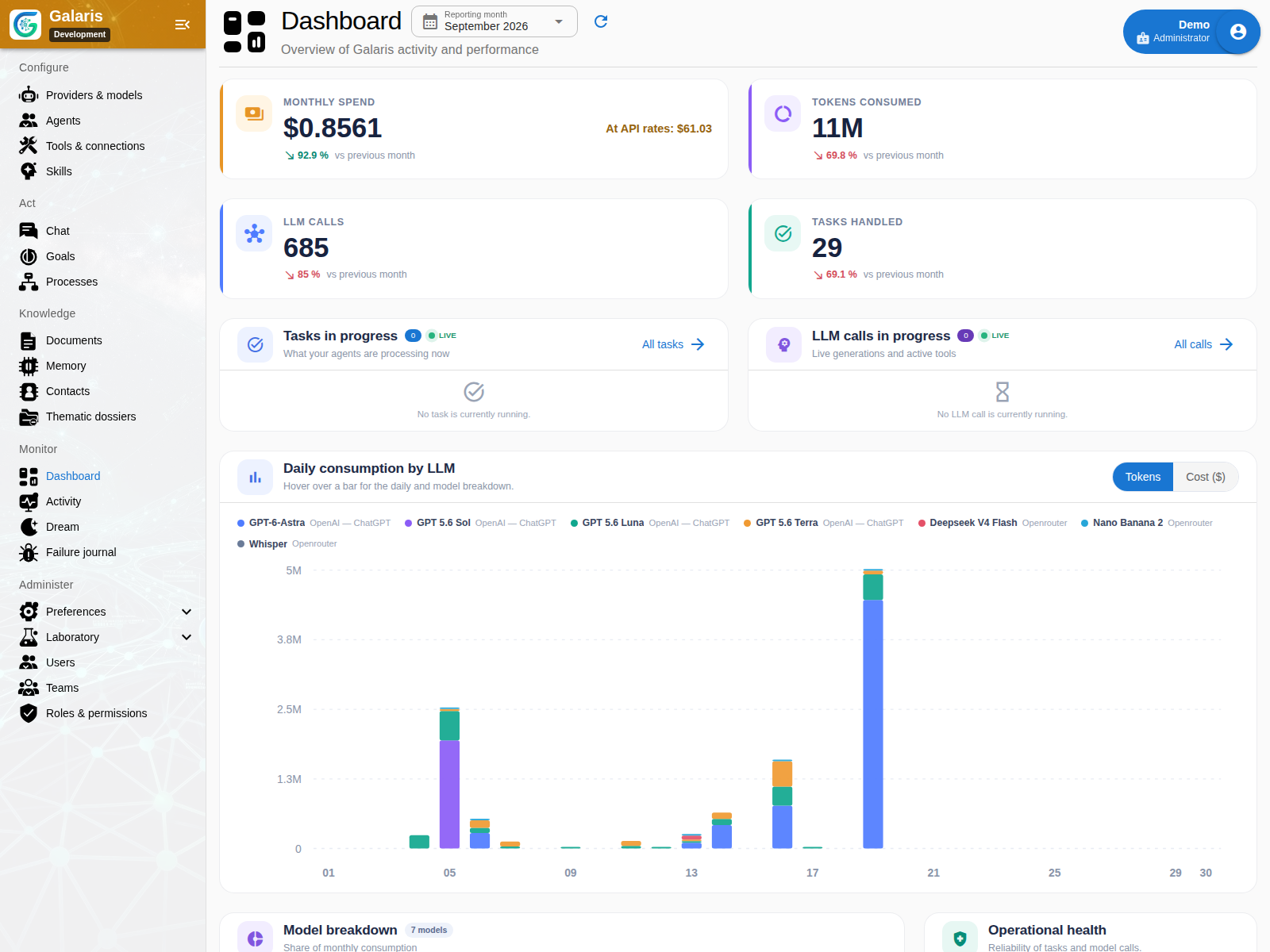
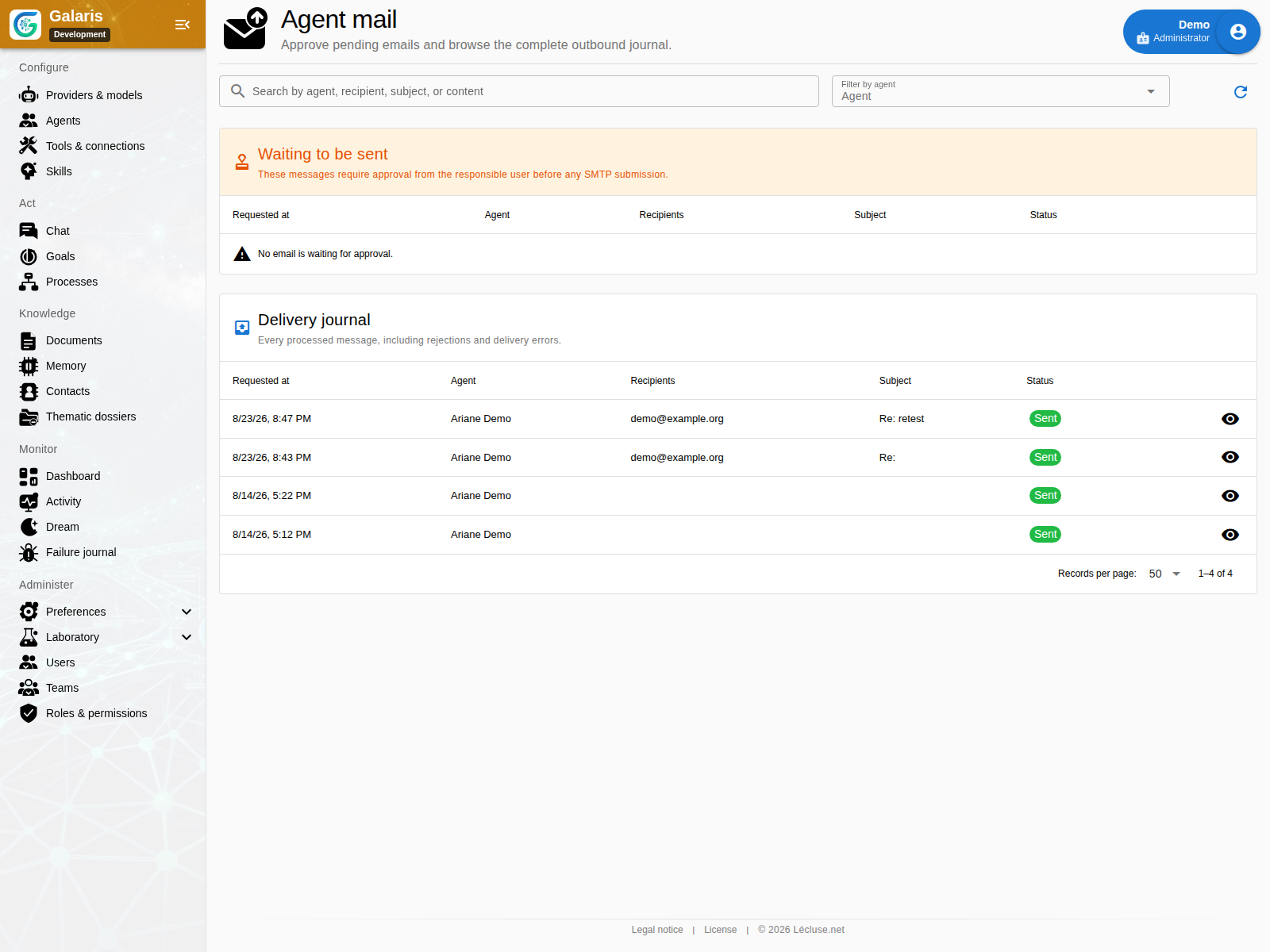
Dashboard shows monthly activity, tokens, costs and outcomes. Activity opens conversations, voice sessions, Tasks, model calls and Processes. Dream exposes background memory work. The mail journal appears when the Mail bridge is available.
Administer the instance
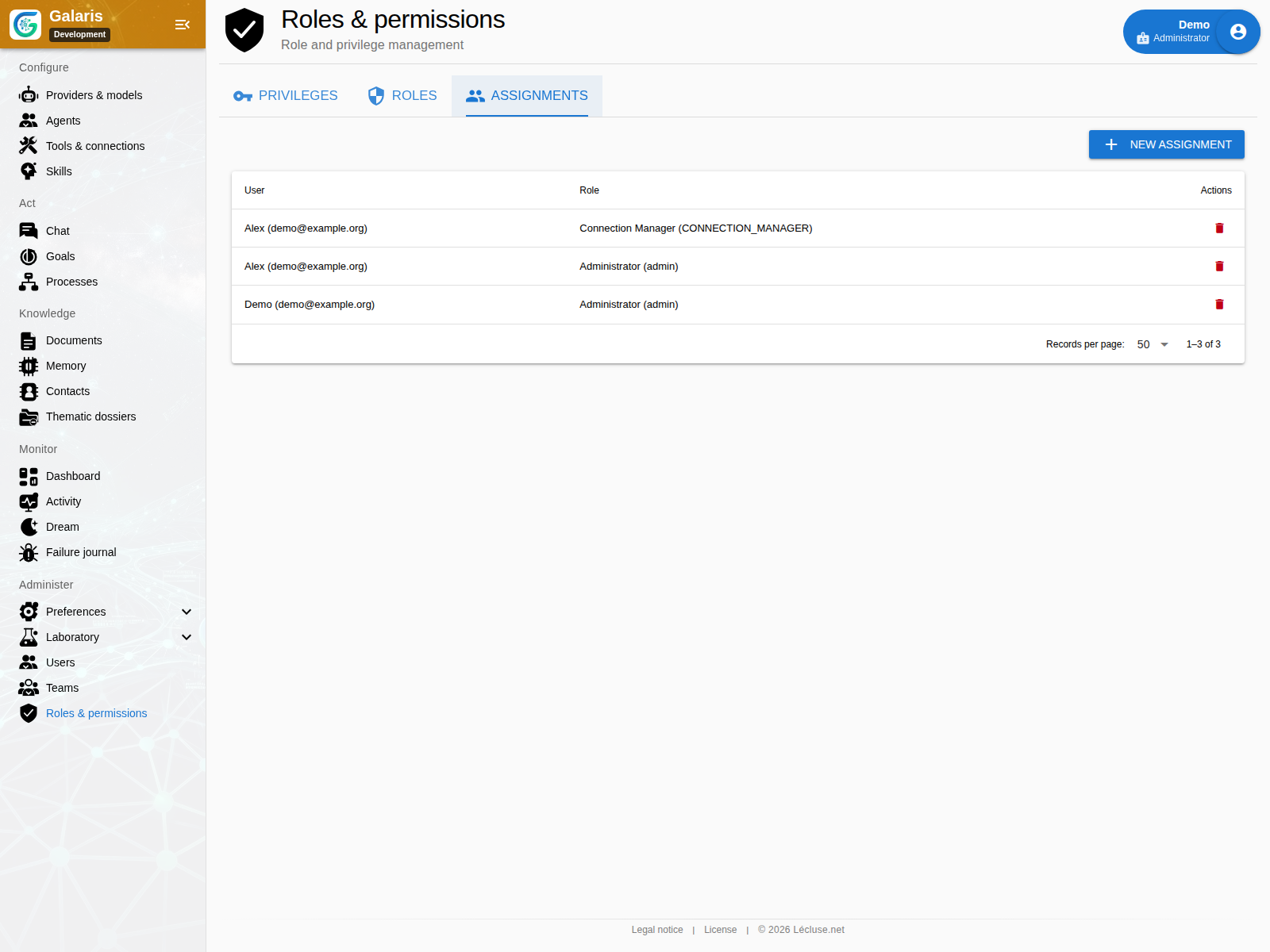
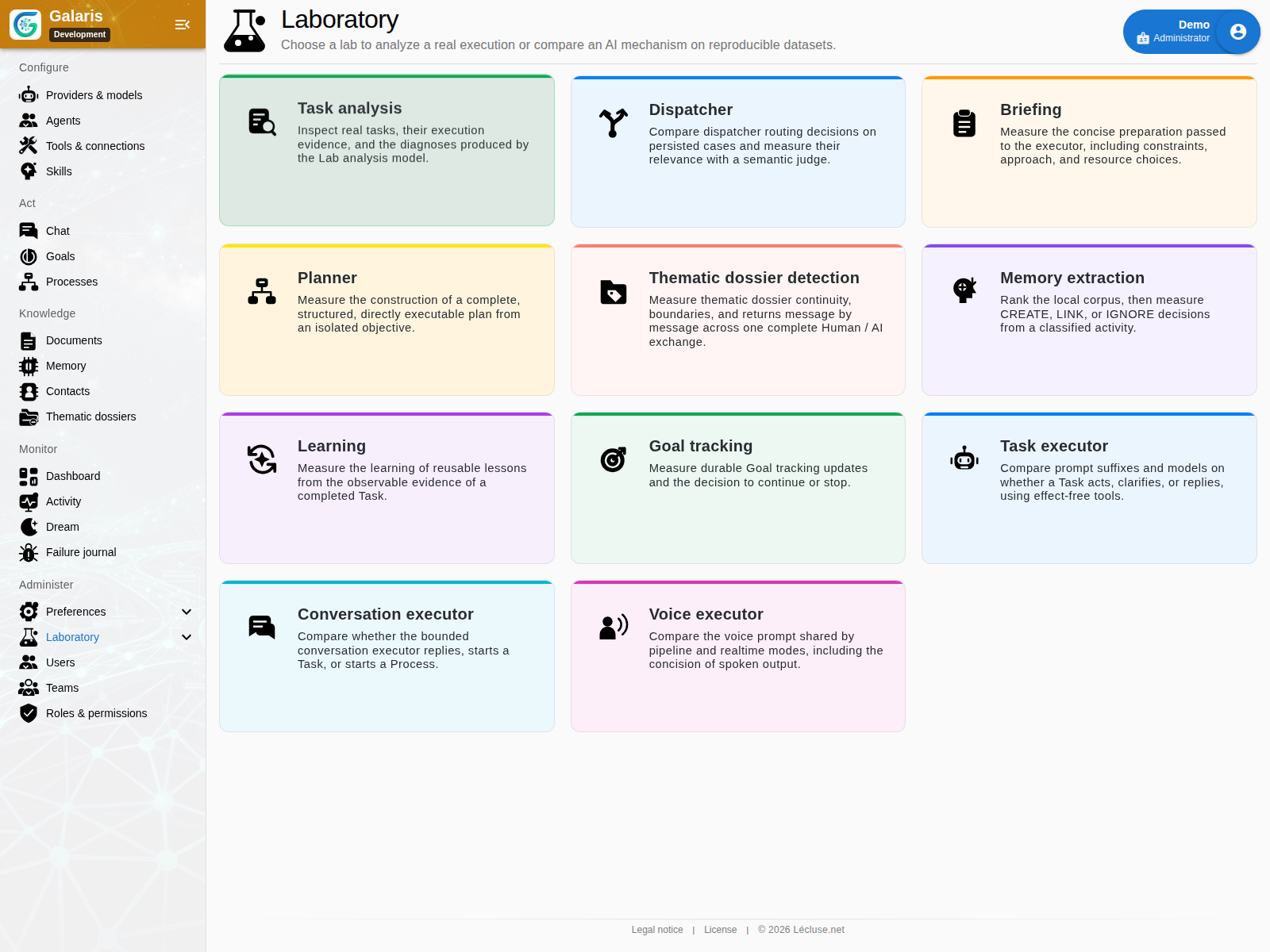
Preferences covers models, memory, Dream, voice, Tasks, Processes, harnesses, search, Janus and logs. Laboratory evaluates mechanisms. Console provides authorised execution sessions. Users and Roles & permissions define access. Visible menus reflect actual privileges and enabled services.
Produce and connect through shared screens
Some capabilities have no separate menu. Ask an agent for media and follow long generations in Processes. Configure calendars in the Tool connection. Browser and console provide ways to produce and check files.
Documents offers rich editing, versions, sharing and exports. Mails supports approval and delivery history. Incidents groups errors and tracks their resolution.
In Documents, start with the Unclassified filter and your personal folder tree. Open a document in chat to request a contextual revision. In Memory, distinguish memories, documents, attachments and folders; their links preserve access boundaries.
From document to working tool
Documents can hold a report alongside a form, a simulator and their JSON Datasets. Pages keep editing, filing and version history; each reader chooses application access to data. Explore this workflow.