
Choose how you use Galaris
Ideal for solo work, project teams and small organisations.
Galaris brings together model access, agent execution, shared services and applications. Chat and work on documents in its interface, reach agents through Nextcloud Talk, Matrix, OneBot or Telegram, or connect applications through APIs. Janus lets you select an agent through a single model configured in a compatible client.
Channels, engines and tools can evolve separately while agents, memory and permissions remain managed in Galaris. Combine channels and tools · Understand the ecosystem layers · Access models and agents through APIs.
You also choose where models run: fully local inference, cloud providers or a mix of both. Galaris lets you keep inference on your own infrastructure without requiring a cloud model provider. Choose your deployment.
The walkthrough below shows the steps inside Galaris applications.
Describe the result you need
Choose an agent, name the deliverable and provide the sources and limits. For example: prepare a launch dossier for Atelier Horizon, cite the supplied notes and flag decisions that still need an owner.
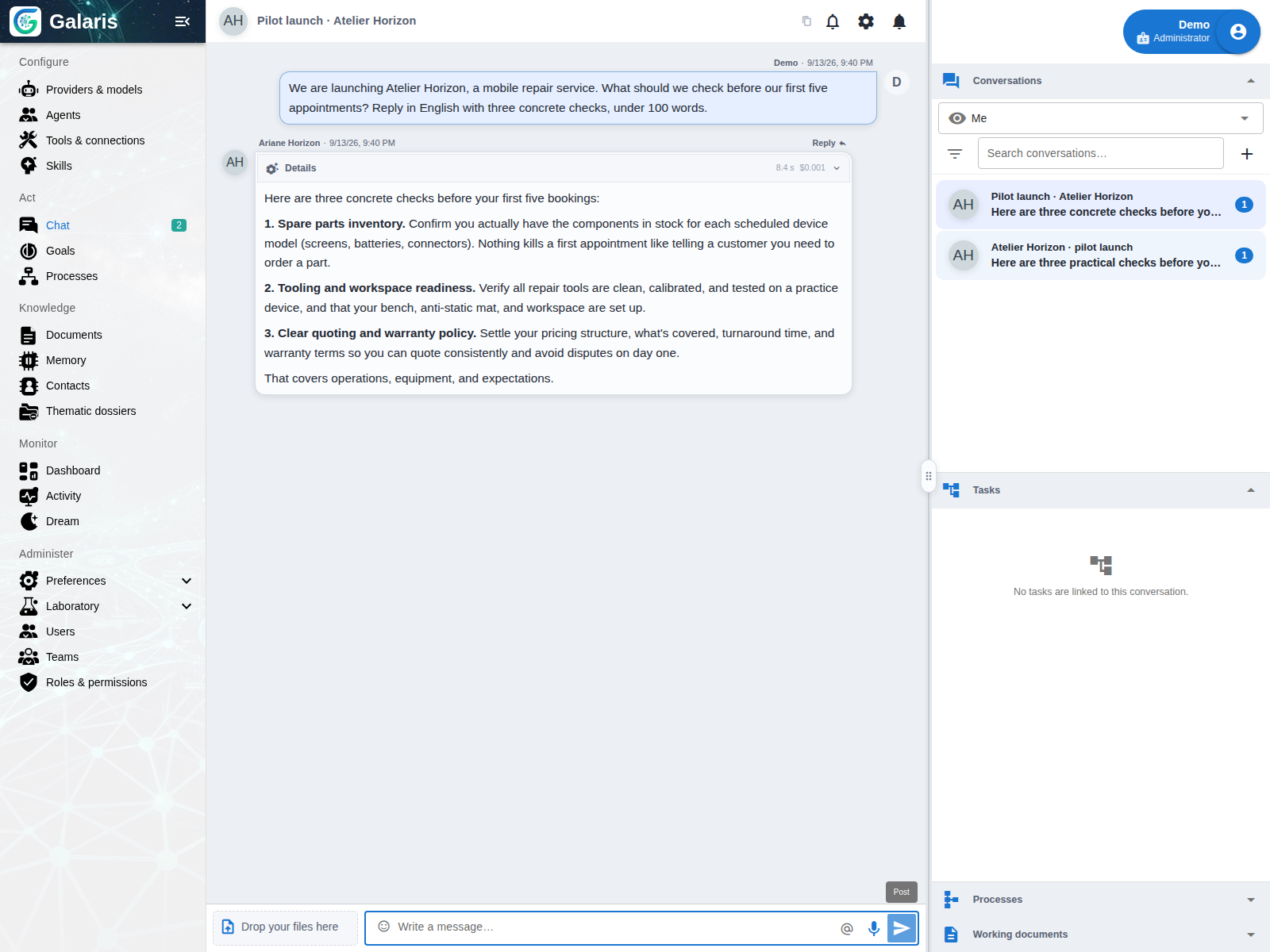
Create a Task for lasting work
A message can remain a conversation. Start it with @task to explicitly request a durable mission with its own objective, state and result. Depending on its configuration, the agent can use tools and delegate contributions. Follow a mission.
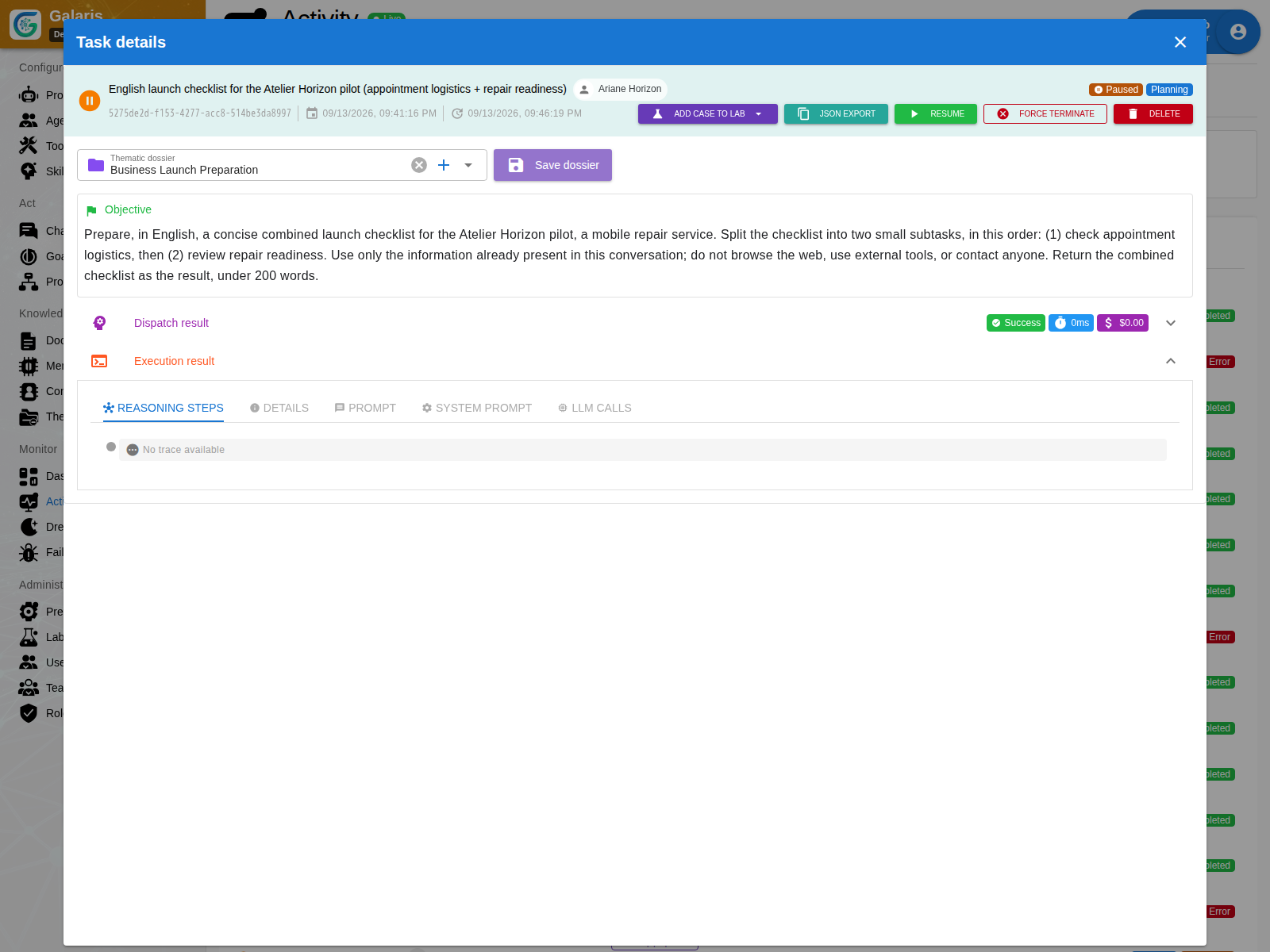
Follow progress and make decisions
Before work begins, define sources, access and acceptance criteria. During execution, inspect the plan and respond to questions. Afterwards, check the evidence and accept or revise the result. A missing fact or contradictory source is a reason for a human decision.
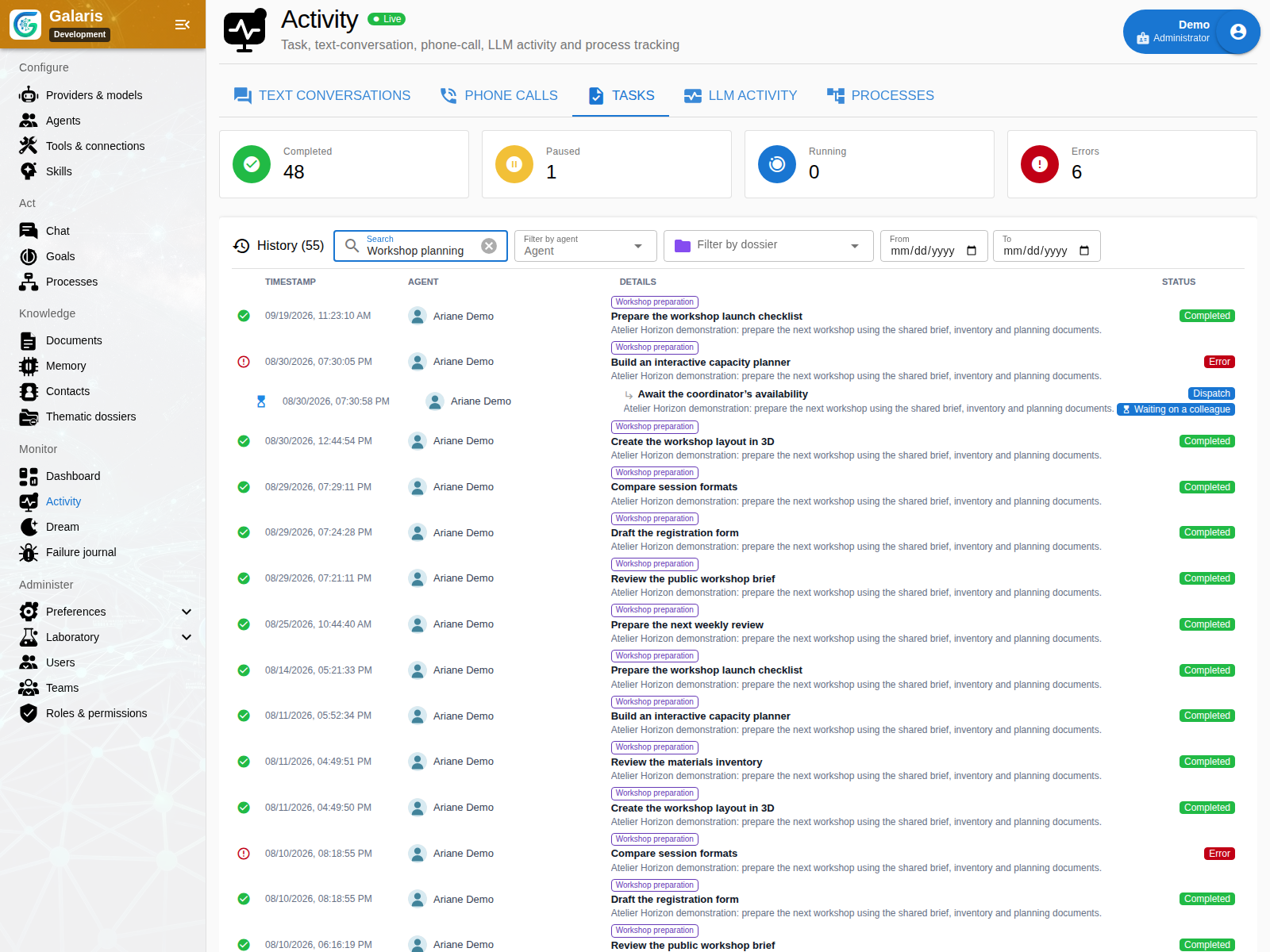
Continue working on the deliverable together
Open the produced document, revise a passage and compare its previous version. Add an image or table, share read access with a team, then export PDF or HTML with attachments.
The same workspace supports email prepared for approval, meeting transcription and calendar-triggered work. Each use needs its relevant connections, which you can add progressively.
Documents · Email · Media · All features
Work on the same document from chat, then file it in your personal folders. References, versions and access rights connect writing, review and sharing. Explore documents.
Create tools your team can use
Ask for a data collection form, calculator or simulator directly inside a document. Several pages can share Datasets while keeping their own access rights. Edit the explanations, choose data access and export the displayed result. Discover interactive documents.
Keep useful context
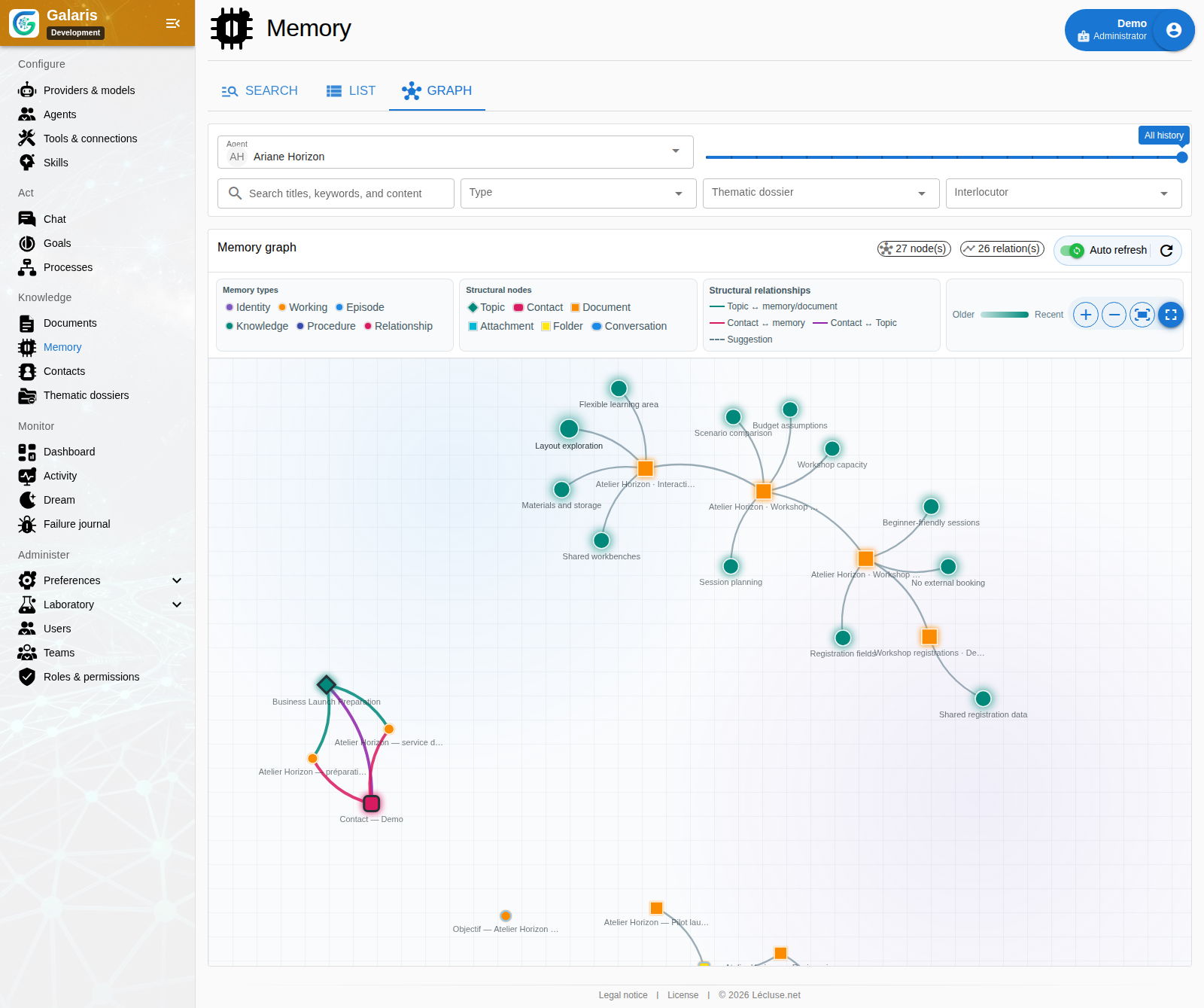
Documents preserve work; memory retains selected information beyond a conversation. Its graph exposes relationships within the viewer’s permissions. Dream can maintain that memory in the background. Learning reusable skills is a separate option, disabled by default.
Connect work across time and channels
Use voice for spoken exchanges, Goals for recurring work and Processes with n8n for configured business workflows. Each has its own execution and tracking model; a conversation can provide the starting point.
Start with a small, measurable trial
Use one agent, one reachable model and the synthetic Atelier Horizon notes. Compare the result with the human reference before adding tools or collaborators. Open the trial or prepare your instance.