

Read several calendars
Calendar connects HTTPS iCalendar resources to an agent. Configure calendars, their human owner, timezone and working hours. The agent can list events over a period, including recurring occurrences.
Find available time
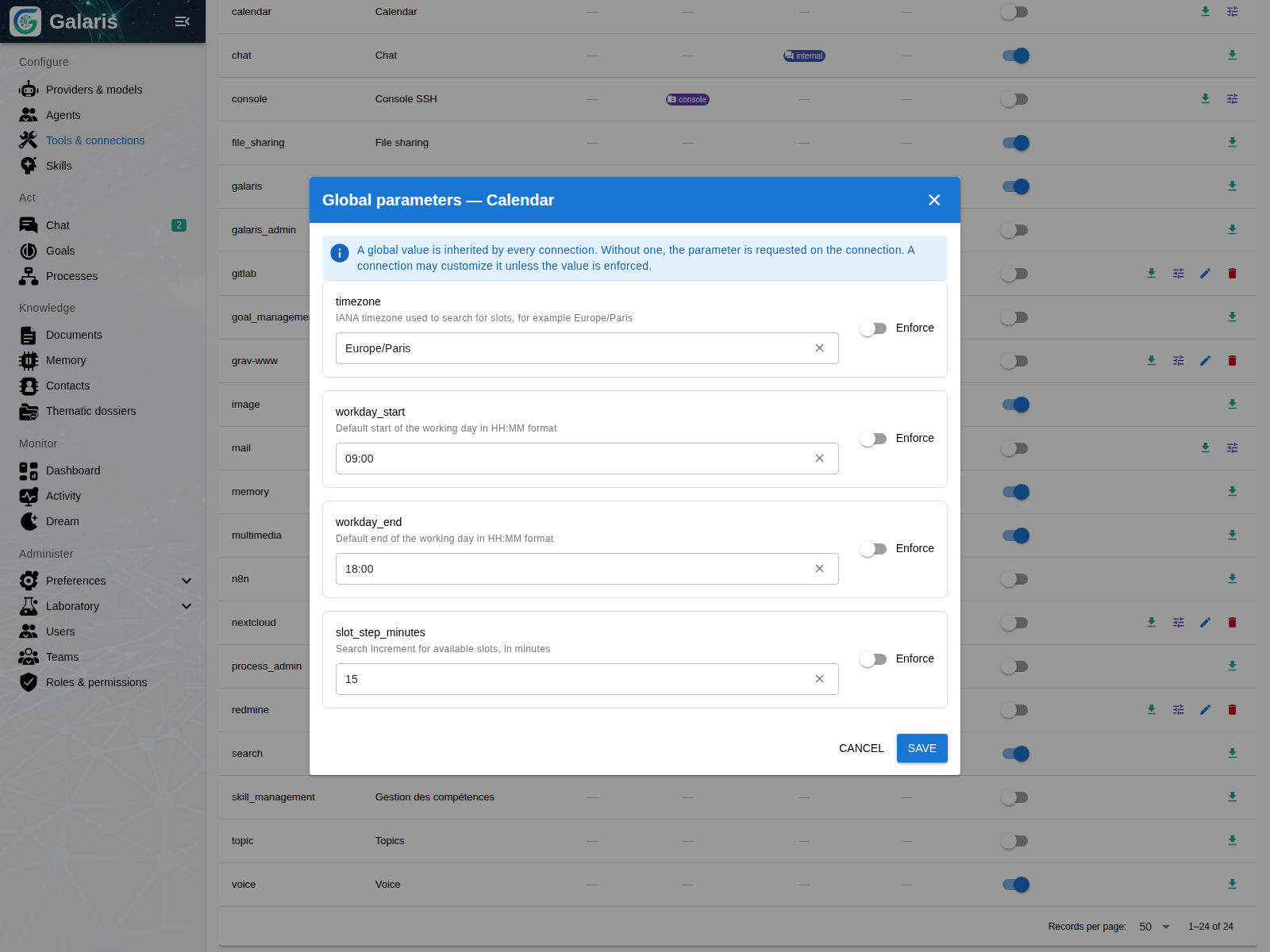
Check a time range or find free slots for a requested duration. Results identify conflicts; cancelled or transparent events do not block availability. Preferences control working hours and search intervals.
Turn a scheduled event into an action
An event start or alarm can trigger a Task or a Process assigned to the agent. A meeting could initiate a preparation note using authorised documents.
Synchronisation is periodic, not a guarantee of execution to the second. A persisted fingerprint identifies handled occurrences; recovery after downtime scans a bounded window.
Write when the server supports it
Creating, changing and deleting events require a writable calendar. Writes replace the iCalendar resource and use an ETag precondition when supplied by the server. Calendar is not a general CalDAV client.
Test synchronisation and upcoming occurrences before enabling actions. Disabling the connection removes its calendars from automatic processing.
Choose a calendar or a lasting goal
| Need | Starting point |
|---|---|
| Prepare a dossier before a meeting | Event or alarm |
| Find a time without conflicts | Availability search |
| Maintain a watch with evaluation between runs | Goal cycles |
| Run a configured workflow on a date | Calendar to Process |