
Three ways to interact
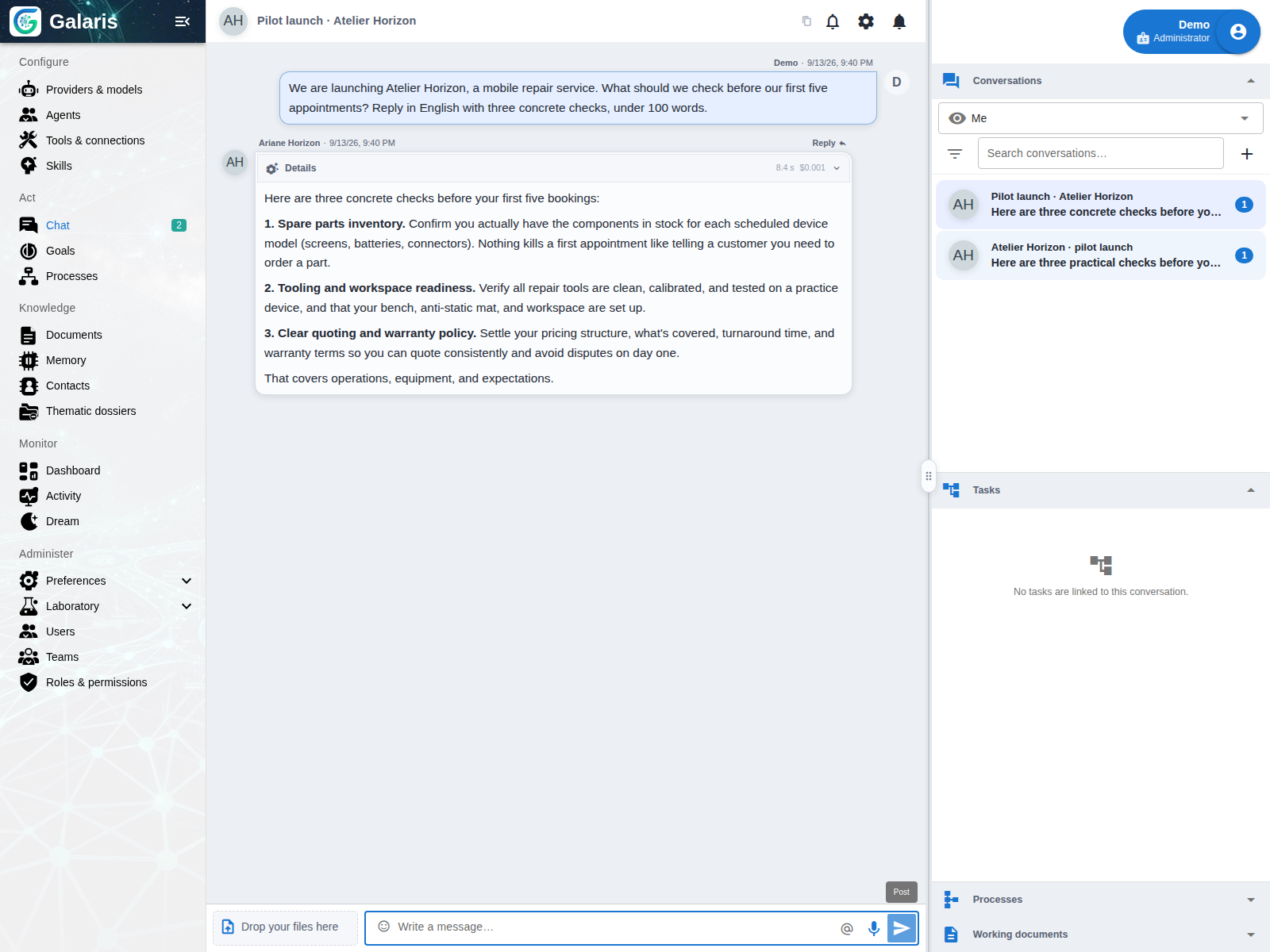
Use text for a conversation, a Task for durable work and a live call for voice. Voice notes and dictation are separate inputs. Each path retains its own state while remaining connected to the same agent.
Move from a message to work
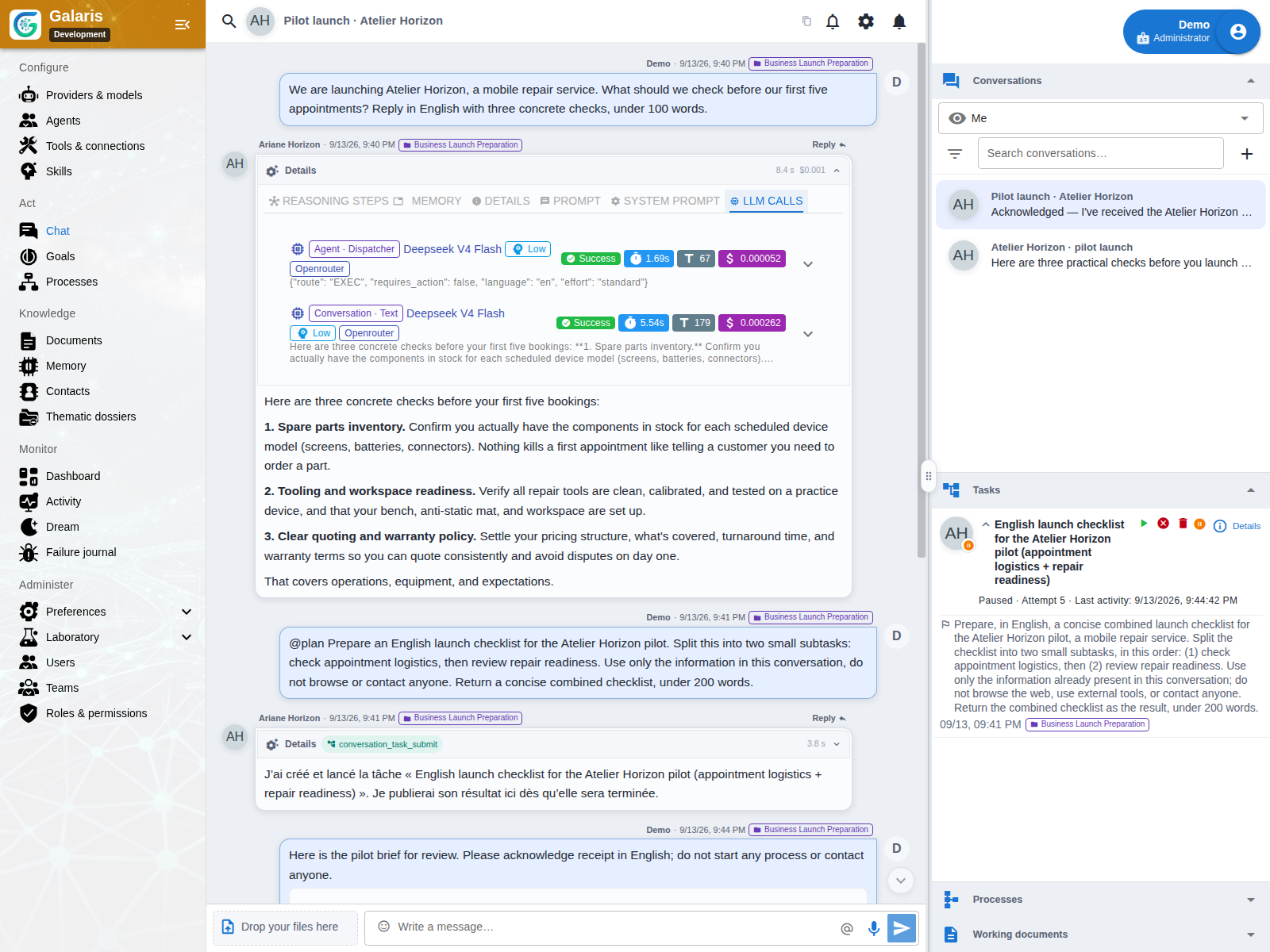
The controller can answer directly, use permitted conversational tools or admit a Task or Process. It builds a self-contained request containing useful constraints, files and references. The agent’s Task harness is resolved only for the Task.
Keep the channel of origin
Native chat and external messaging bridges use a common conversation model. The source channel and receiving connection remain identifiable, so files and replies can follow the appropriate transport and permissions.
Two voice paths
A transcription–agent–speech pipeline uses configured STT, conversation and TTS resources. Native speech-to-speech uses a compatible realtime provider. Calls can use available context and tools; their functionality depends on the selected engine and transport.
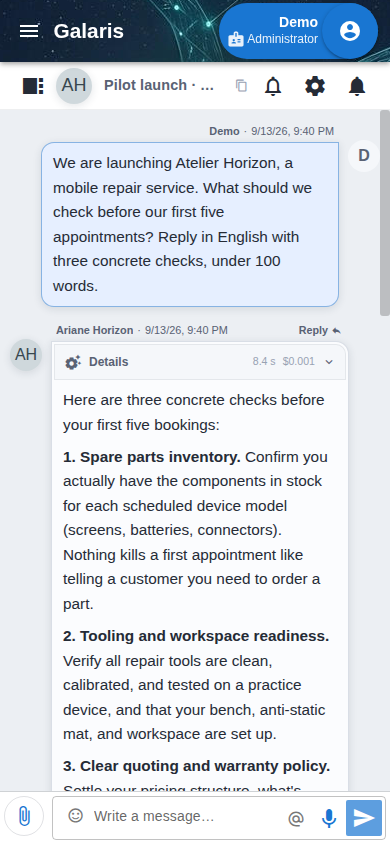
Organise everyday conversations
Name, search, archive or mute conversations. Reply to a specific message, dictate text, attach files and find linked Tasks, documents and Processes in chat panels. Unread state is stored on the server; configured Web Push can notify you when browser permission is granted.
Move from voice to lasting work
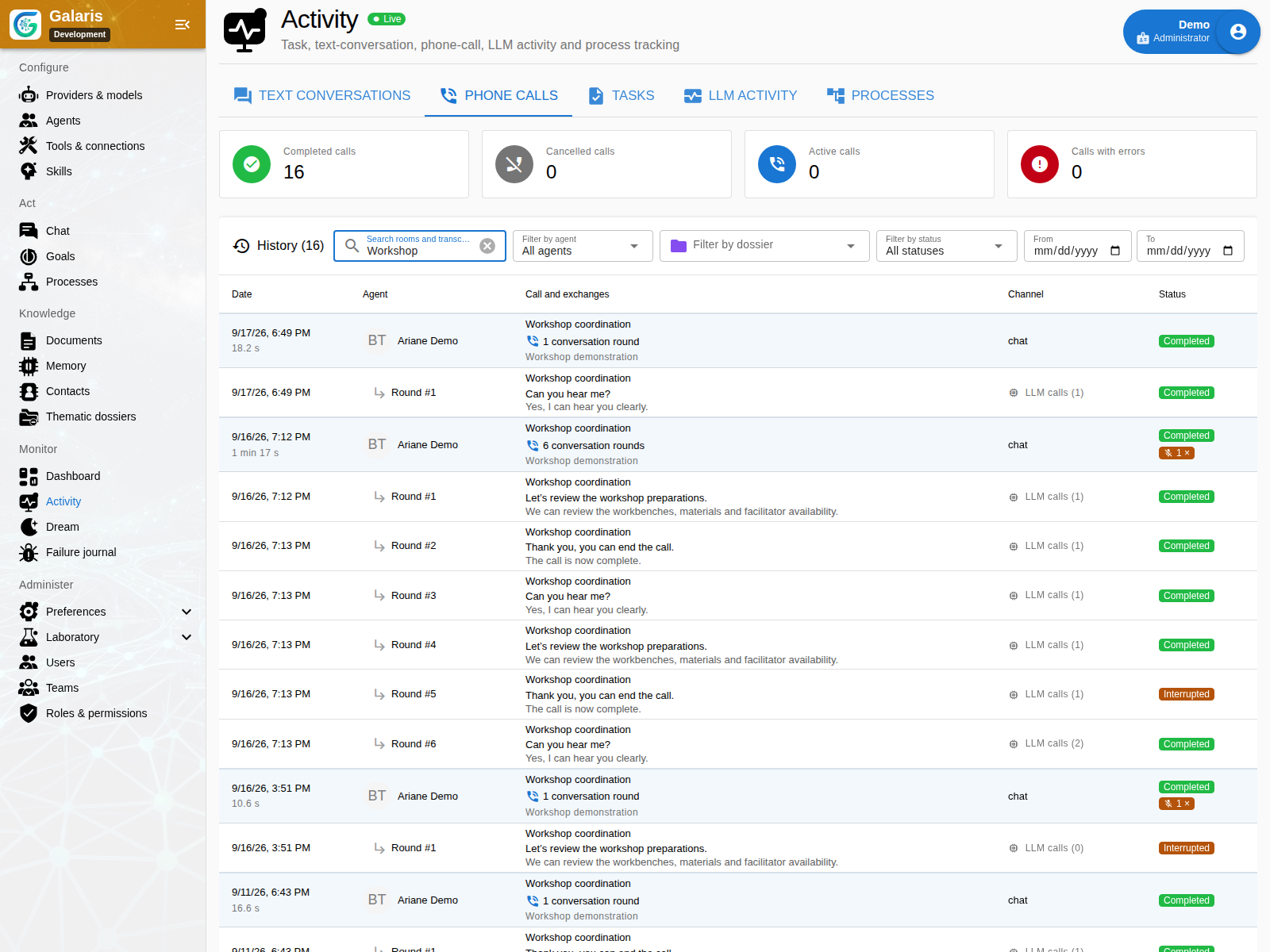
A call can start a Task while the exchange continues. Monitoring retains channel, duration, turns, interruptions and errors. Available transcripts and time to first text or audio help you assess the experience.
Native chat uses WebRTC; Matrix and Nextcloud Talk have their voice transports. Configure STT/TTS or speech-to-speech resources and network traversal. Revoking call permission stops audio.
Revise the document in front of you
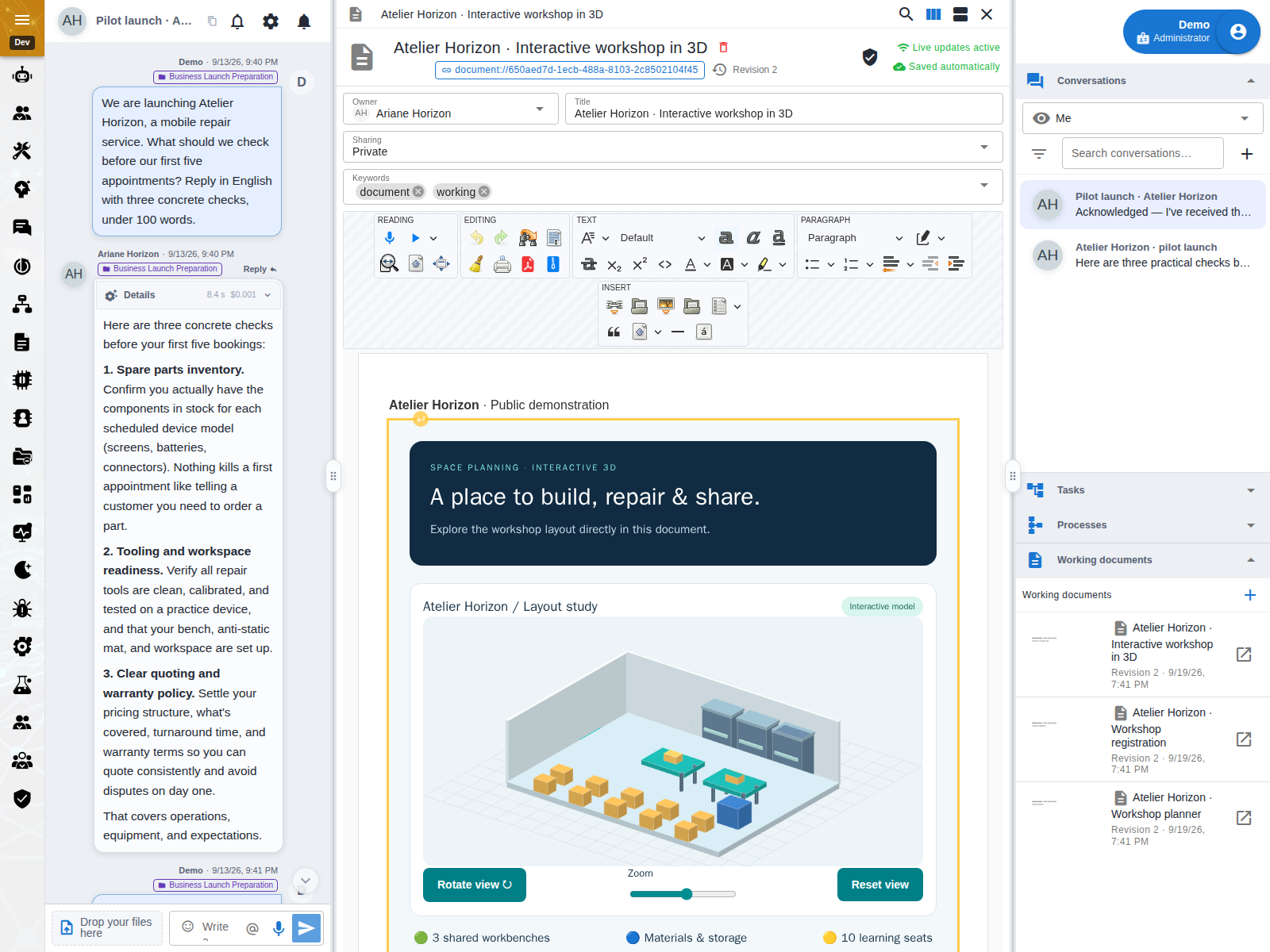
In chat, open a document in a desktop pane or a mobile dialog. The editor retains its permissions, versions and drafts. Sending a message waits for saving and includes the reference of the document actually displayed; closing it removes that context from subsequent messages.
The document_show function lets an agent request opening only in the current internal text chat. It does not run in Tasks, voice or external channels. It grants no access and is not proof that the recipient read the document.
Keep the request and its useful media
When a conversation becomes a mission, Galaris keeps the original request and its attachments separate from the model’s supplementary context. A new independent request leaves previous work running or waiting; it does not silently replace it.
In chat using the internal engine, a compatible model can also receive attached images, audio, video and PDFs directly, subject to model and transport capabilities. Media remain tied to their original message. See media input conditions. An open document may contain HTML text, an application or a JSON Dataset; its editor follows the rules of its type.
The document remains usable in the chat panel: complete a form, adjust a calculator or manipulate a 3D scene while talking with your agent. Its content and embedded resources must respect the isolation constraints.