

Receive a demonstration invoice
Use a fictitious attachment in Chat or a connected mailbox. A new incoming message can create a Task; historical messages fetched during the first sync do not start work on every old invoice.
Check the expected fields
Ask for supplier, amount, currency, due date and references present in the document. Flag unreadable or inconsistent data. This scenario does not promise an accounting module or automatic payment.
Start the configured workflow
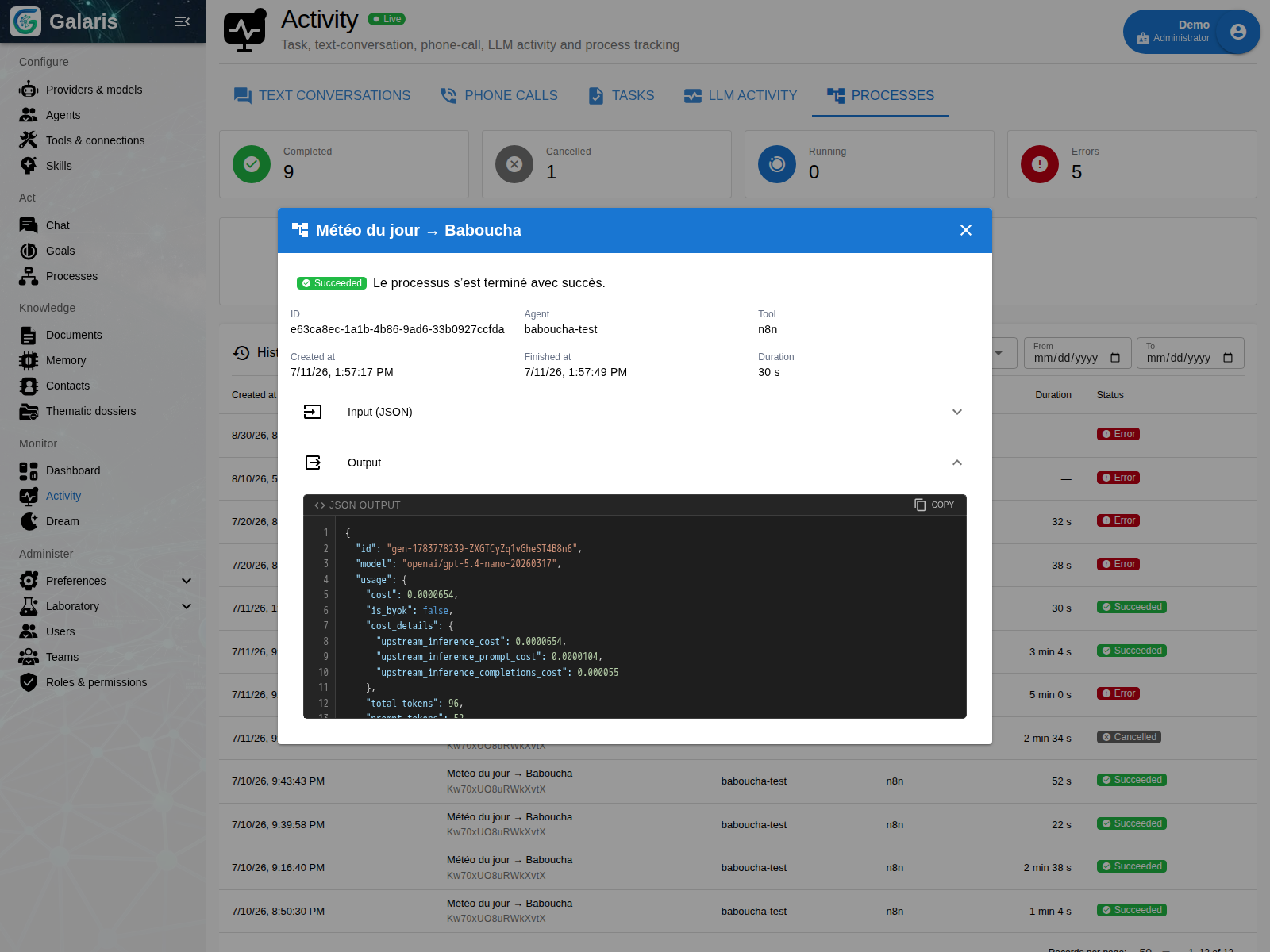
An n8n Process can pass the data into your approval circuit. Galaris retains the run identity and state while n8n executes the workflow. Files use the supported resources and temporary access paths.
Wait for the business outcome
Events and callbacks connect the external response to its originating run. A technical receipt is not invoice approval. The actual deployed workflow owns the steps and decision.
Inspect the record before replying
Check extracted fields, the decision and any errors. Completing the Task does not automatically send mail: replying requires an explicit action and, when configured, approval of the complete message.