

An agent has a lasting role
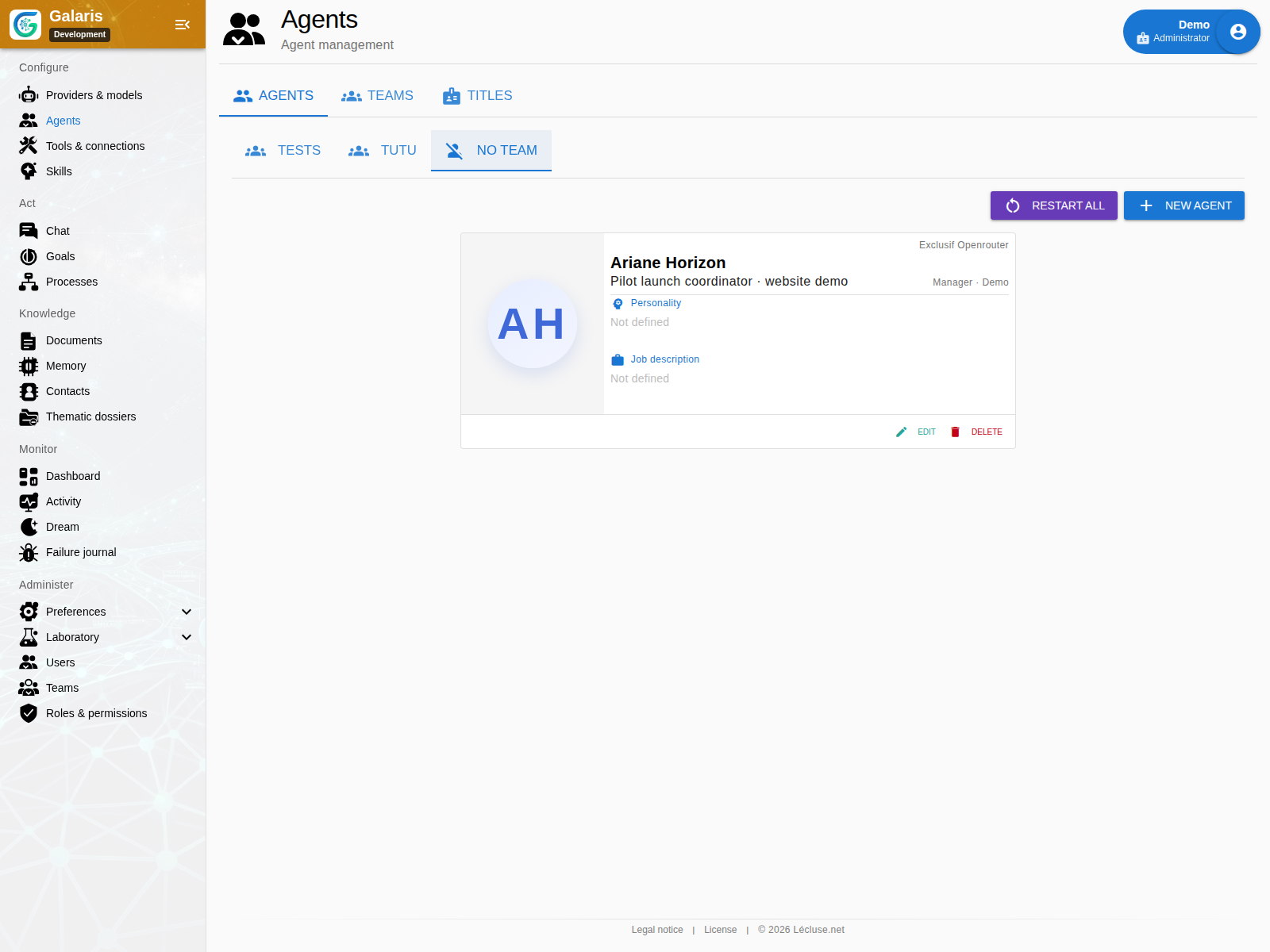
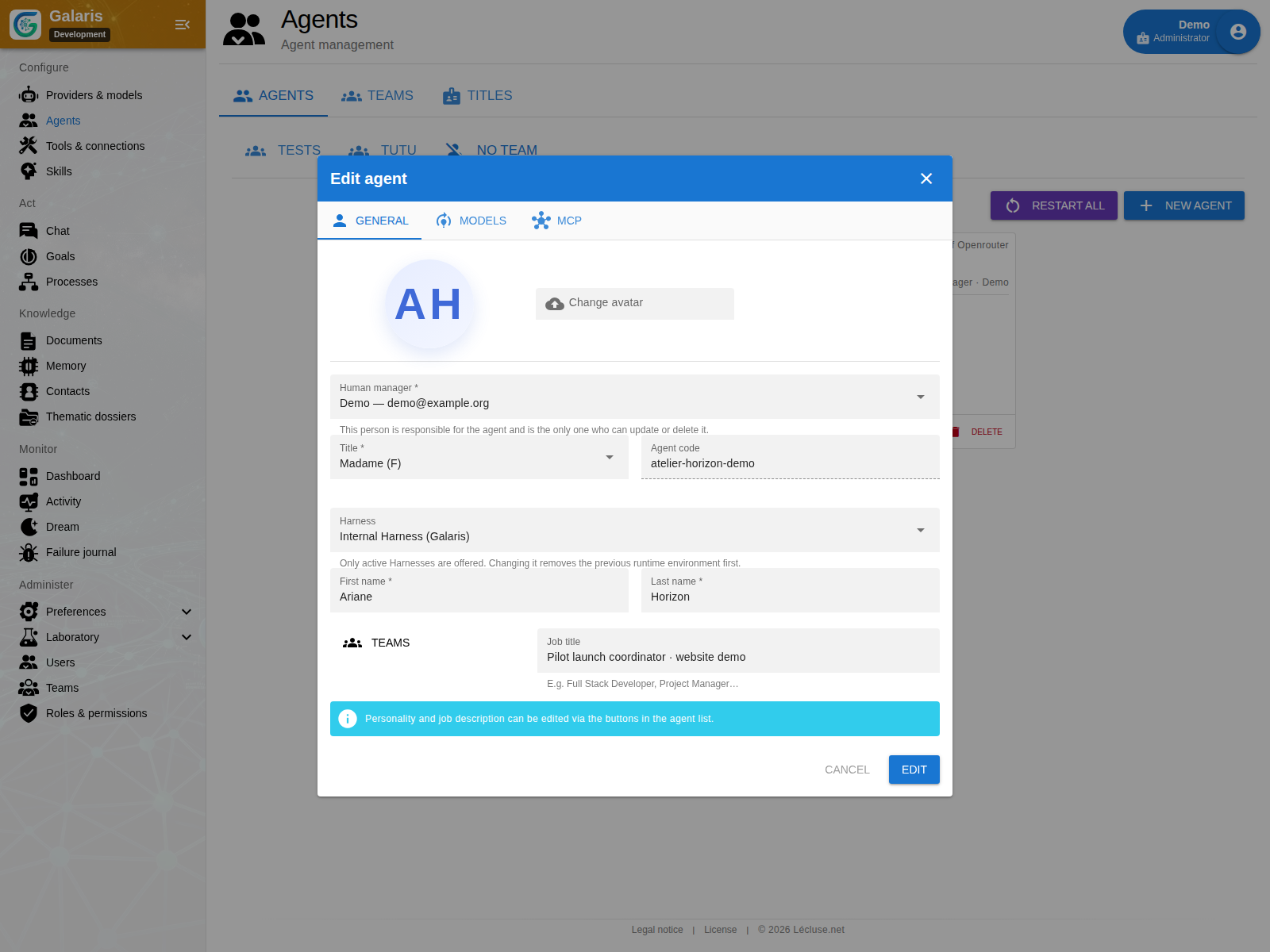
Identity combines a job, instructions, model profile, Task harness, skills and tool connections. You can inspect and adjust this setup between missions. The Task harness is separate from the conversation controller.
Specialise for a reason
A research agent may collect sources while a writing agent prepares a note. A technical agent can use a console. Different roles are useful when skills, environment or access genuinely differ; the parent task keeps contributions connected.
Assign the access the role needs
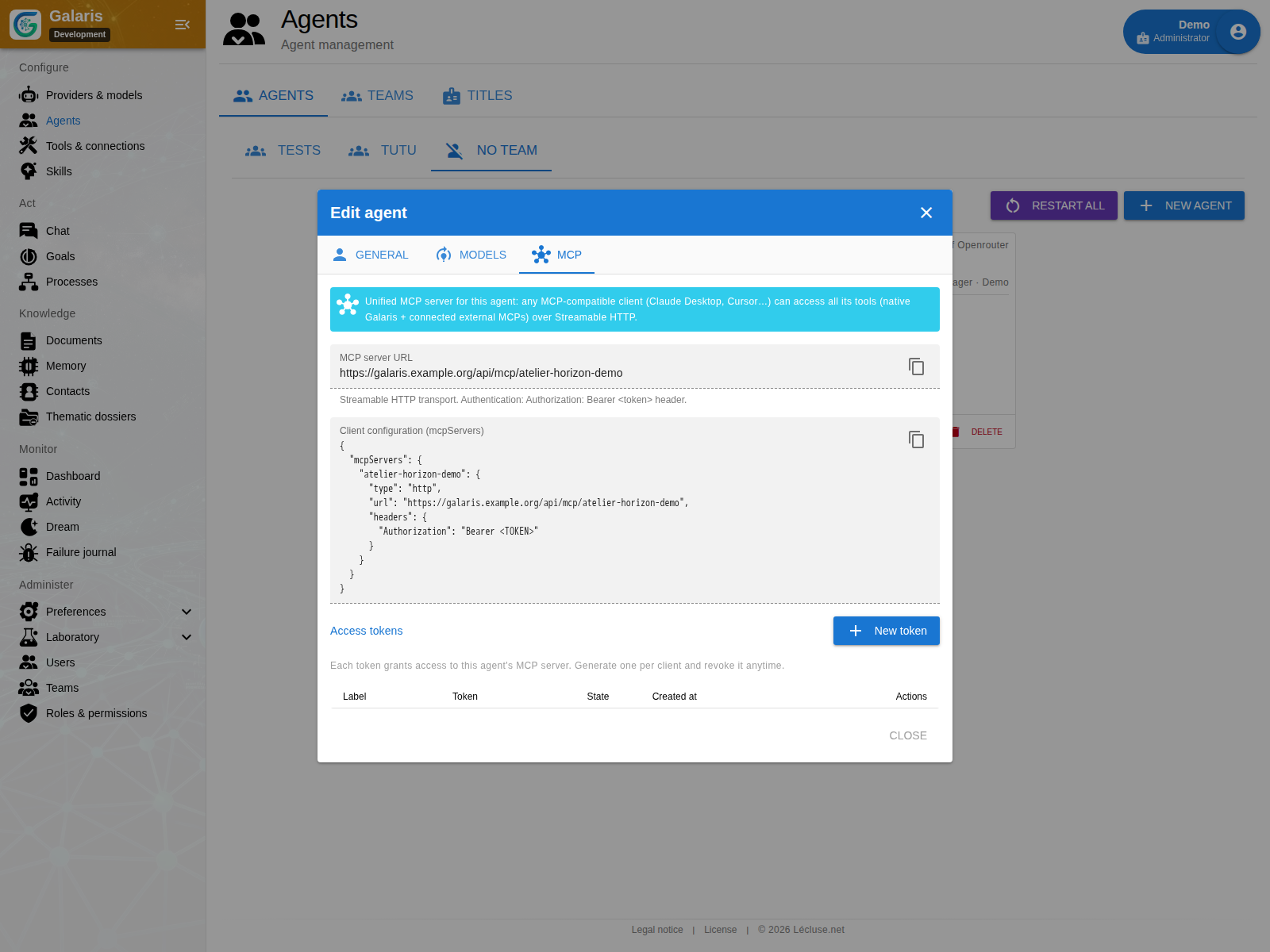
Activate relevant connections and functions. Check effective capabilities rather than assuming that an installed Tool is available to every agent. A skill supplies a method, not additional access rights.
Before adding another agent
Identify the distinct contribution, the required access and how its result will return to the requester. Start with a small team that can complete a clear task, then expand when the work justifies it.
A stable identity in a changing team
The profile specifies a permanent code, name, avatar, personality, job and human manager. An agent can belong to several teams of people and agents. Selectors show permitted contacts or manageable agents for the requested action.
Team membership authorises certain conversations; it does not automatically share every document. Read and write access belong to the resource. The agent profile also shows harness state, logs and tasks blocking an environment change.