

A dossier across conversations
A topic gathers related messages, conversations, Tasks, voice turns, memories and accessible documents. It does not replace a conversation or a file folder.
See associated participants and monthly activity and cost indicators. Return to a project without first finding the room where it began.
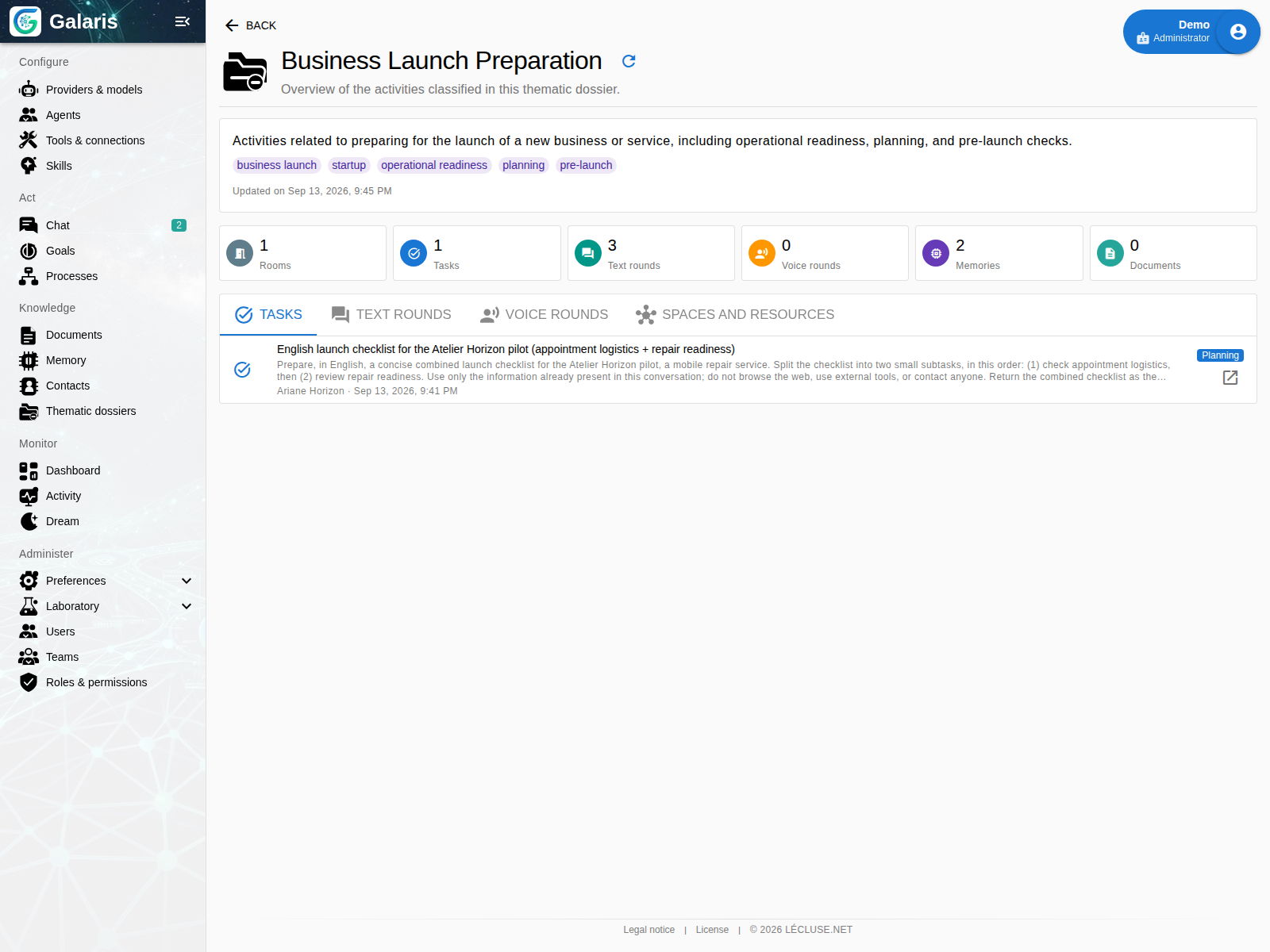
Correct the classification
Create and name a topic, add keywords and associate relevant items. Assign a topic explicitly to a conversation. Correct a message’s topic and optionally extend that correction to subsequent messages of the same topic.
Move an exact item, merge two topics or split a dossier from a selection. These operations preserve the content and relationships covered by their contracts.
Configure automatic classification
Detection checks conversational continuity and looks for an existing topic. Automatic topic creation can be blocked, require human approval or be allowed. Human corrections and Dream decisions remain inspectable.
A shared topic does not grant access to the private content it links. Classification is separate from sharing.
Recognise the people involved
Contacts shows messaging identities observed within an agent’s scope and their memory links. An explicit merge can combine proven identities of the same person. Matching names alone are insufficient.
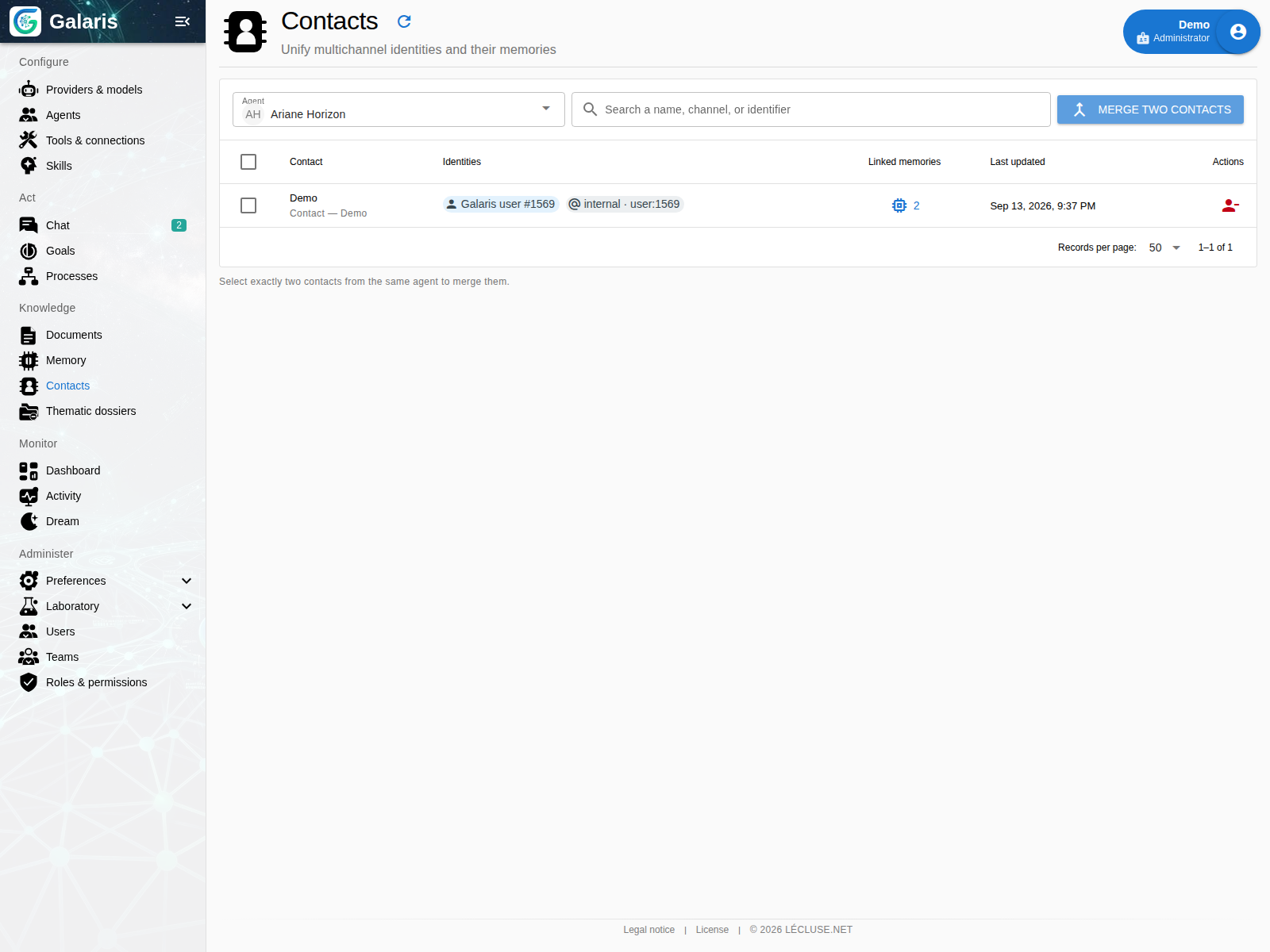
Forgetting a contact follows the rules for related memories and reference cleanup. One agent’s contacts are not automatically shared with all others.
Three complementary ways to organise
| To find… | Use… |
|---|---|
| Files and subfolders in a library | A document folder |
| Facts, sources and relationships | Memory and its graph |
| A project’s cross-channel work | A Topic |
Explore memory · Organise documents
A shared topic, personal filing
A Topic connects work on the same subject; folders organise your personal library. Filing a document changes neither its topic nor access. Authorised forms can create a topic directly from the selector without losing the current draft.