

A clear chain of authority
A user receives role assignments; the active role determines privileges applied to navigation and API requests. Hiding a menu is only the visible consequence. Server-side checks must also reject operations that the active authority cannot perform.
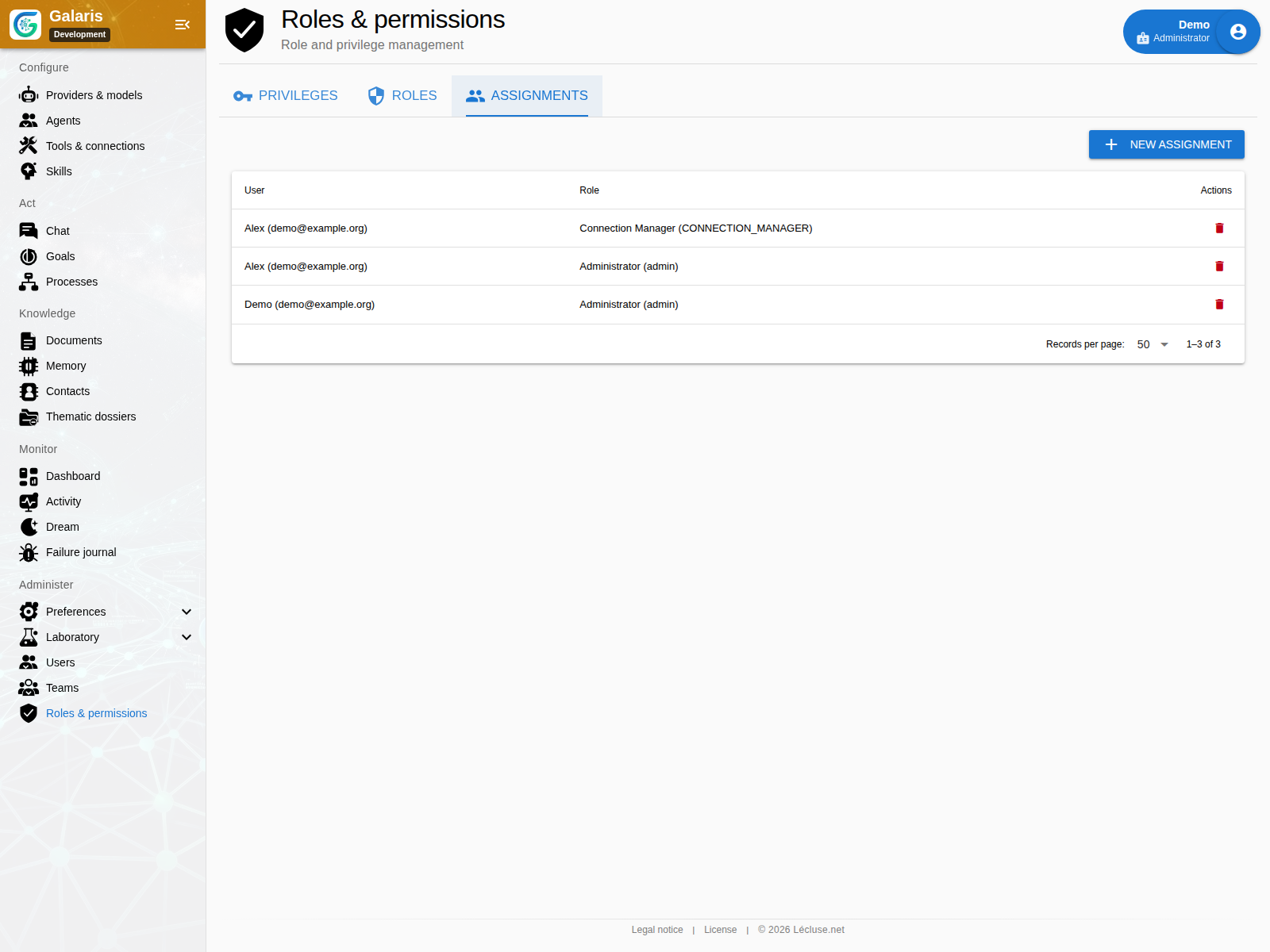
Keep four levels separate
Account authentication identifies a person. Roles grant administrative privileges. Resource sharing governs access to objects. Agent capabilities govern tool use. Granting one of these does not automatically grant the others: an agent’s tools do not make its user an administrator.
Protect accounts and sessions
Account settings include profile and password management, TOTP authentication and session security. Rotating tokens support session renewal. Personal API tokens are managed separately and can be disabled or removed; do not expose their values in screenshots or shared diagnostics.
Test denied actions as well as successful ones
Check a restricted account directly against the API and against a shared resource. Confirm that revoking a role or team membership changes access. A successful administrator test alone cannot demonstrate that boundaries work for other users.
Add a second authentication factor
TOTP setup supports confirmation, disabling and single-use recovery codes. Sessions use rotating tokens and repeated login attempts are limited. Account administration protects the last administrator access.
Personal integration tokens are separate from an agent’s MCP tokens. Name, enable or revoke them for their intended use.
Understand team access
Teams can contain people and agents, with membership in several teams. Permissions are not transitive. Document sharing follows current team membership without exposing every member’s private conversations.