
Use your instance on a phone
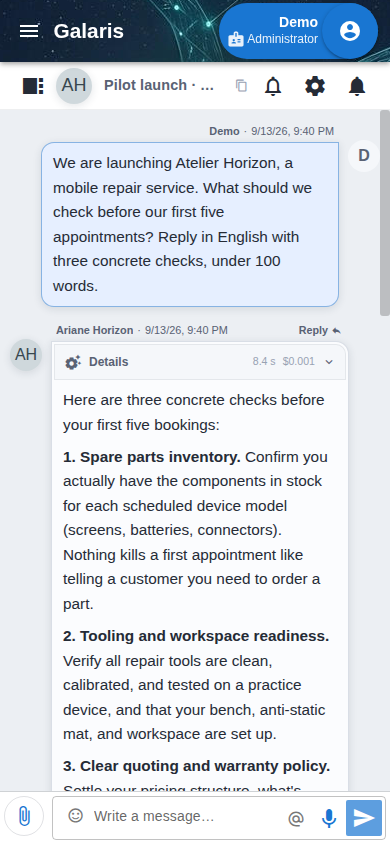
Install the PWA through Chrome on Android or add it to the Home Screen through Safari on iPhone. It opens your instance in a dedicated window. Network access is still required to read current data and perform actions.
Choose language and appearance
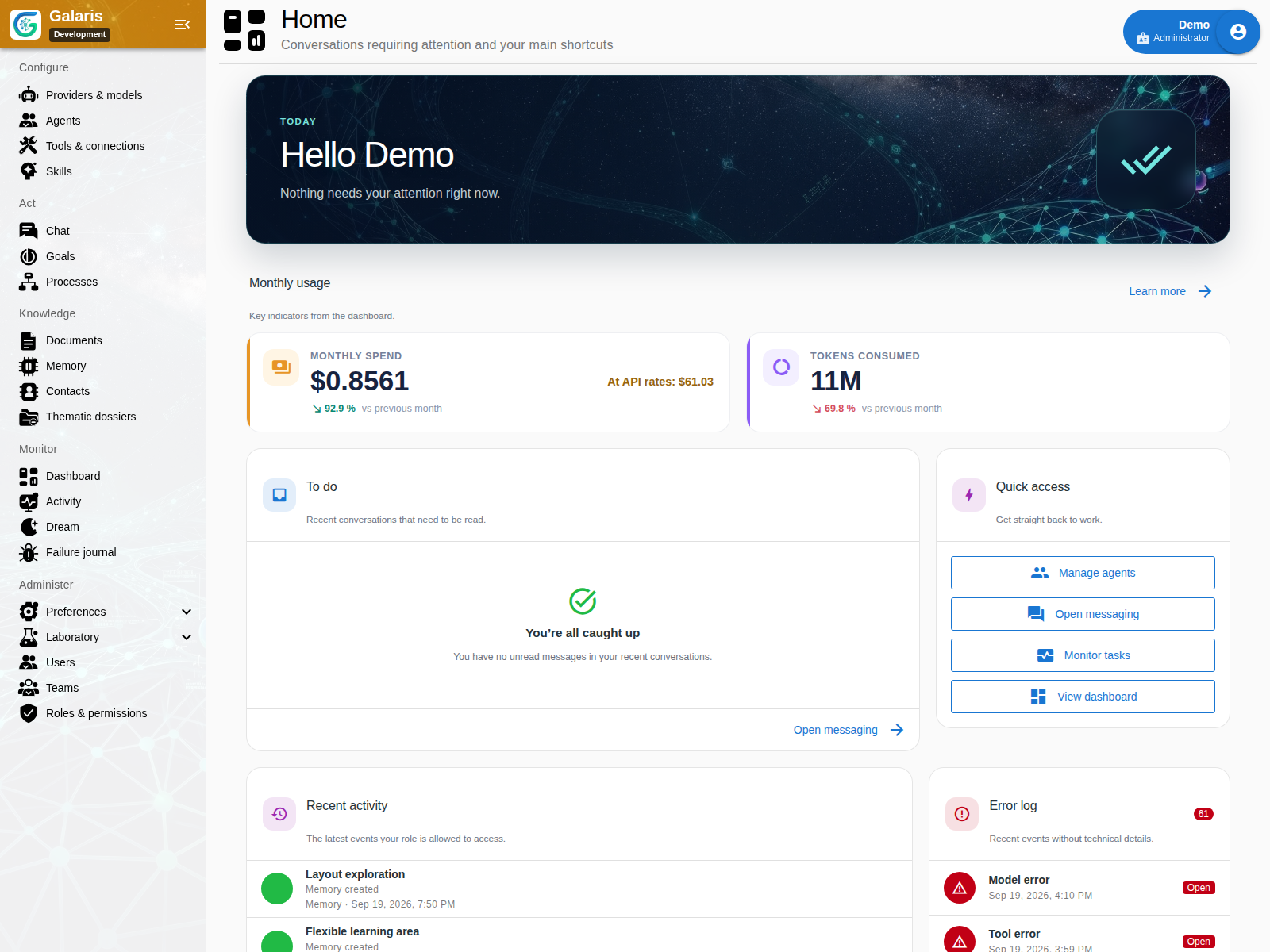
The application offers light, dark and automatic themes, with interfaces in French, English and Simplified Chinese. Set the language and appearance in your account preferences. This presentation website is available in the same three languages.
See the settings relevant to your role
Menus depend on the active role, permissions and enabled modules. Managing models, connections or users requires the corresponding privileges. Review account access before sharing an instance.
Return to the current state
Messages, activity and tasks update live. Relevant views resynchronise after reconnecting. Filters, searches and panels help you return to a dossier or agent. Web Push requires configuration and browser permission.
Choose a personal model profile and voice for dictating or listening to documents. Application updates refresh PWA caches and reload tabs; save open forms before deployment.
Return to your workspace
Dismissed contextual help stays acknowledged for your account on other devices. In chat, a document can stay beside the conversation on desktop; mobile opens it in a dialog. Preferences control document opening, while the library keeps your own folders, icons and filing order.
Two types in the document library
Choose HTML to write or build an application, and Dataset to store JSON data. The type filter helps find both in the same library. Datasets use a JSON editor; interactive pages retain their toolbar, Source button and application permissions.
Learn the everyday actions first
The guided introduction follows a request from message to mission and result. The application tour maps the wider menu, including administration and supervision. Prepare an instance to try the workflow.